6-36 Chapter 6: RAID conguration
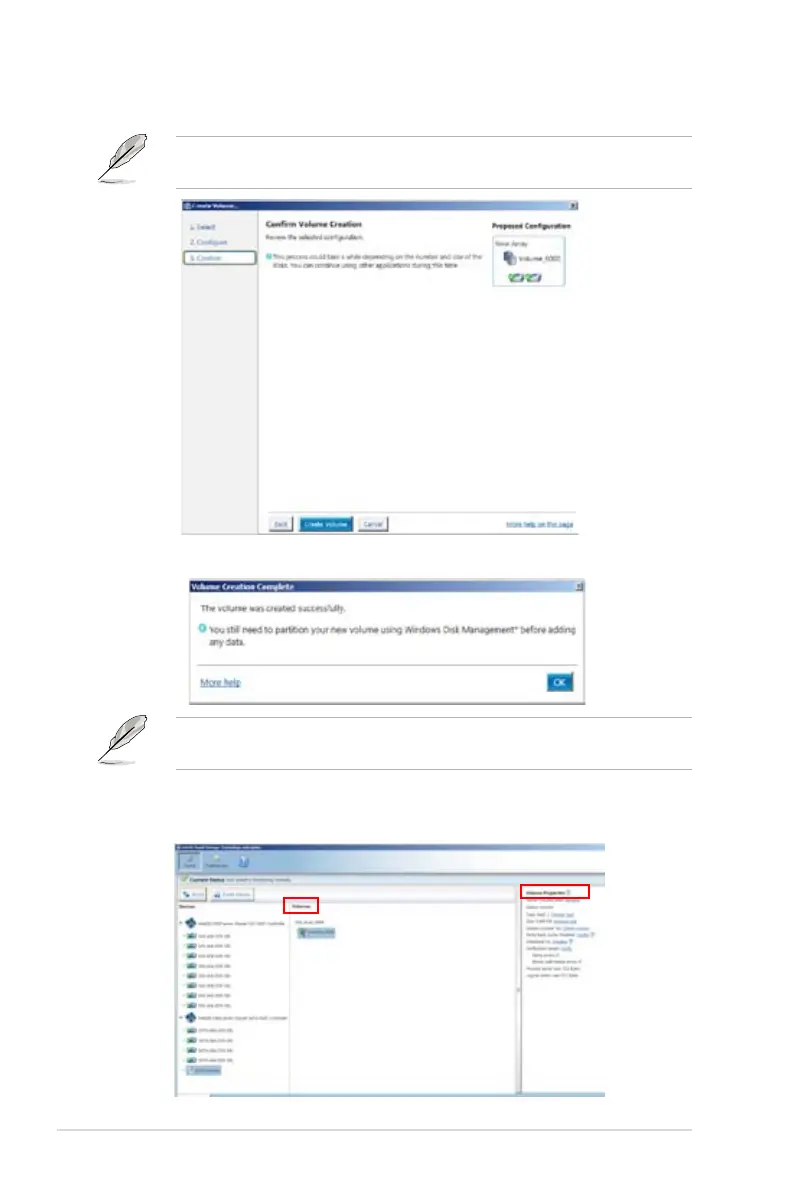
6. Conrm volume creation, than click
Create Volume
to continue.
This process could take a while depending on the number and size of the disks.
You can contuine using other applications during this time.
When display
Volume Ceation Complete
message, you can click
OK
to nish.
You still need to partition your new volume using Windows Disk Management
before adding any data.
When you are nished, you will see the following screen in
Volumes
eld and you
can change related items in the
Volume Properties
eld.














 To Next Page