2-9ASUS RS720-E7/RS12; RS720-E7/RS12-E
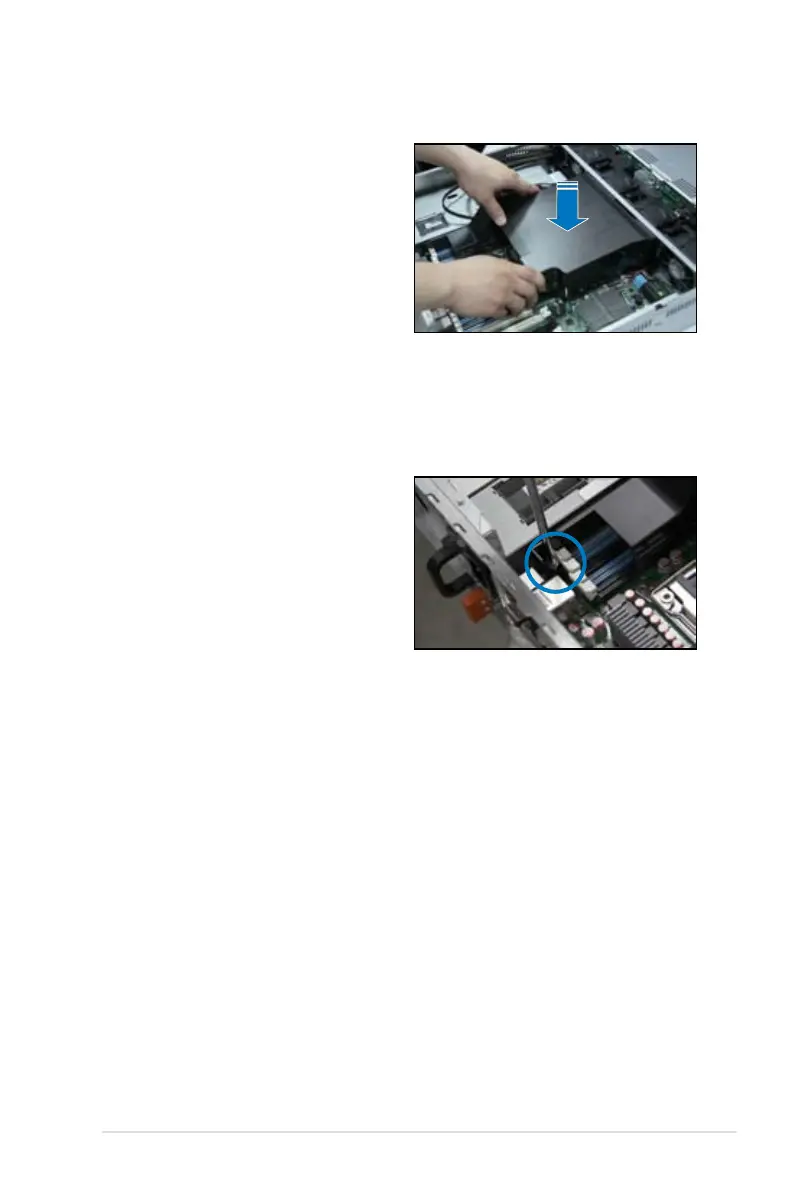
4. Use the three screws that including
in the package, tighten them one
by one to completely secure the
airduct.
3. Place the airduct on the
motherboard, ensuring that the
three fasteners match the holes on
the motherboard.














 To Next Page