6-38 Chapter 6: RAID conguration
6.4.3 Delete volume
Take caution when deleting a volume. You will lose all data on the hard disk
drives.Back up data before continuing.
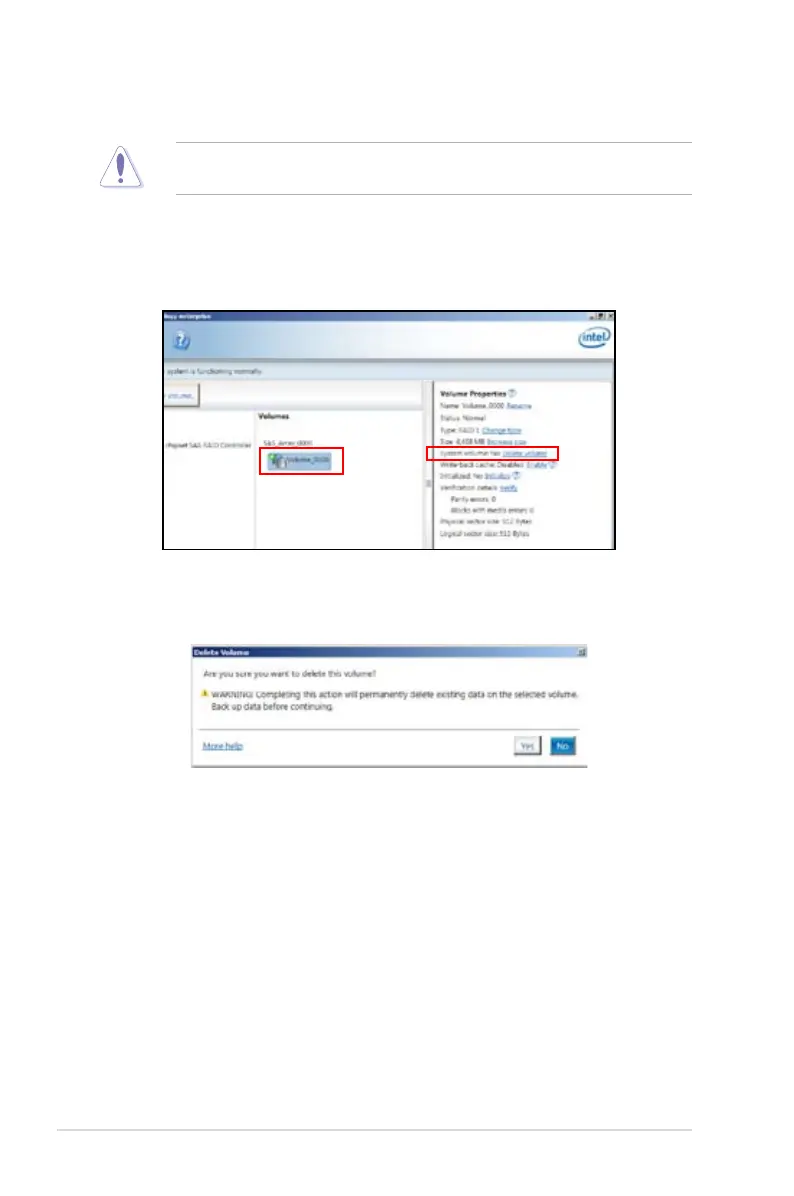
To delete a volume:
1. From the utility main menu, select the volume (exp. Volume_0000) in
Volumes
eld you want to delete.
3. Click
Yes
to delete the volume and return to the utility main menu, or click
No
to return to the main menu.
2. Then select
Delete volume
in
Volume Properties
eld. The following screen
appears.


 To Next Page
 Loading...










