10
RT-N16 Chapter 1: Knowing your wireless router
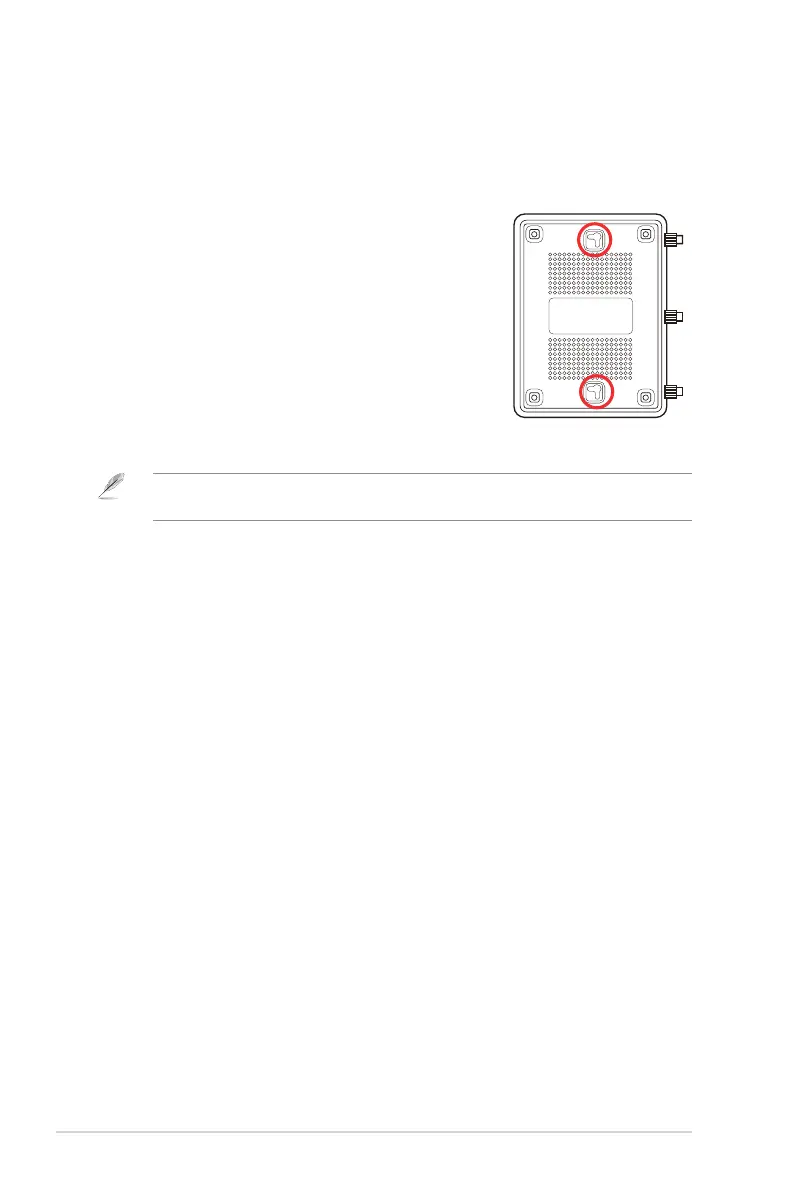
Mounting options
Out of the box, the ASUS Wireless Router is designed to sit on a raised at surface
like a le cabinet or book shelf. The unit may also be converted for mounting to a
wall or ceiling.
To mount the ASUS Wireless Router:
1. Look on the underside for the two mounting hooks.
2. Mark two upper holes in a at surface.
3. Tighten two screws until only 1/4'' is showing.
4. Latch the hooks of the ASUS Wireless Router onto
the screws.
Note: Re-adjust the screws if you cannot latch the ASUS Wireless Router onto the screws or if
it is too loose.



 To Next Page