25
Chapter 4: Conguring via the web GUI RT-N16
Using the router as a UPnP Media Server
Your wireless router enables UPnP (Universal Plug and Play) devices, such as an
Xbox device, to access multimedia les in your USB disk.
To use your router as a UPnP Server:
Note: Before you use the UPnP Media Server function, install a wireless adapter on your UPnP
device.
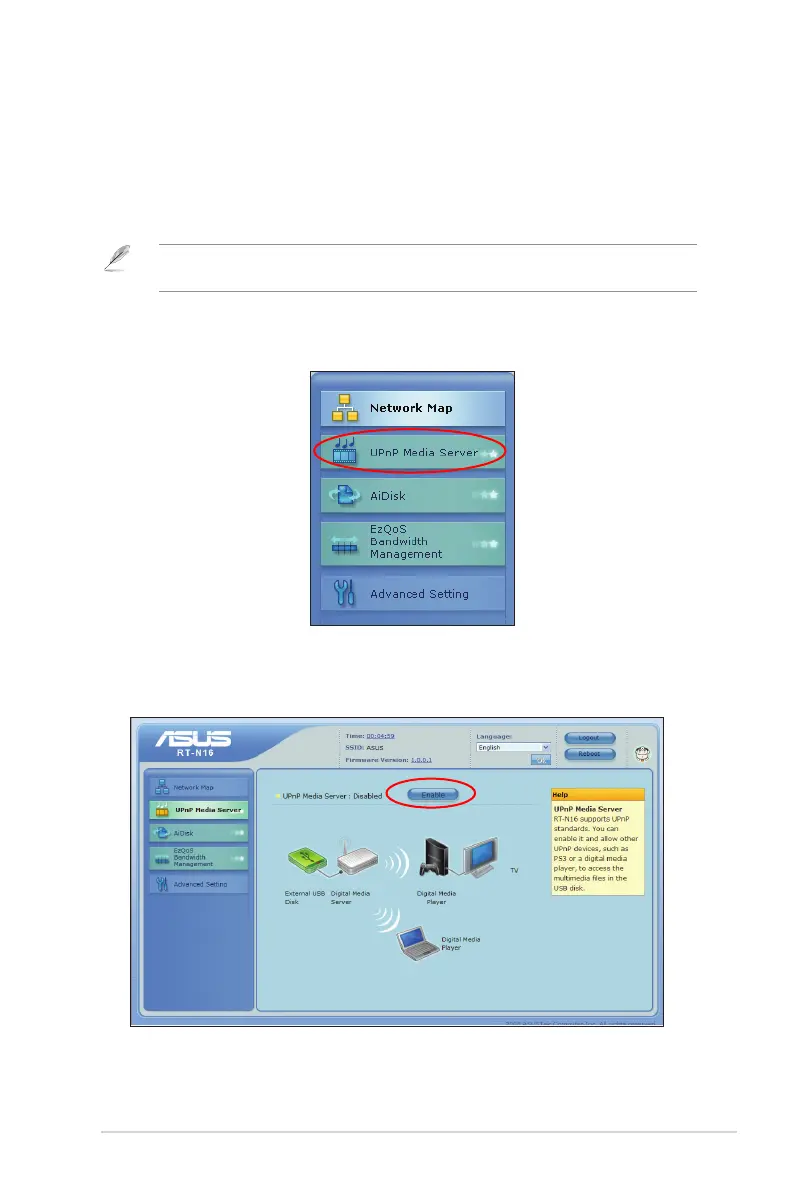
1. Click UPnP Media Server from the navigation menu at the left side of your
screen.
2. Select Enabled. Your wireless router is now ready to share the media les
stored in the USB disk.



 To Next Page