12
RT-N16 Chapter 2: Setting up the hardware
Setting up a wireless connection
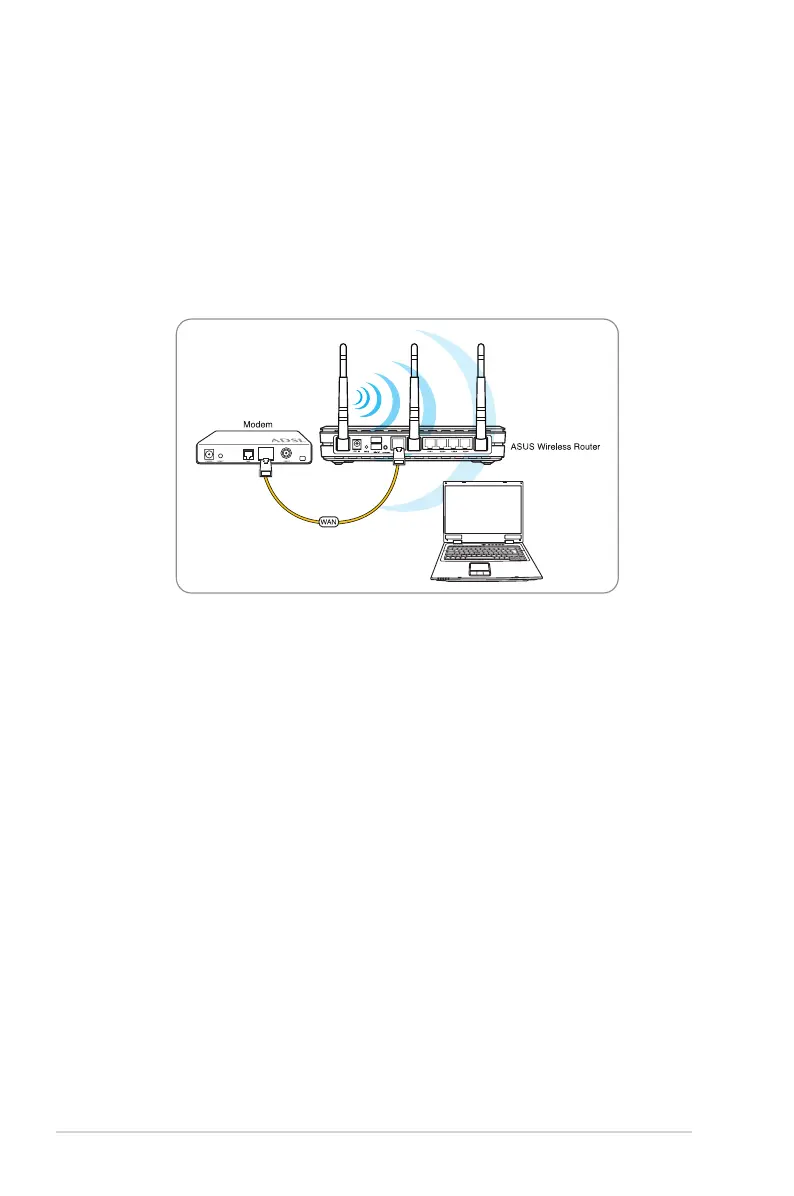
To set up a wireless connection:
1. Turn on your router and the modem.
2. Using an Ethernet cable, connect the modem to the router’s WAN port.
3. Connect an IEEE 802.11b/g/n compatible WLAN adapter. Refer to your wirelessRefer to your wireless
adapter user manual for wireless connection procedures. By default, the SSID
of ASUS Wireless Router is “ASUS” (in upper case), encryption is disabled and
open system authentication is used.



 To Next Page