36
RT-N16 Chapter 4: Conguring via the web GUI
Connecting a USB printer
Connect a compatible USB printer to the USB 2.0 port of the ASUS Wireless
Router and share the USB printer with your LAN clients.
Note: Visit the ASUS Website at http://www.asus.com for compatible printer vendor and models.
To connect a USB printer:
1. Plug your USB printer to the USB 2.0 port on the rear panel of the wireless
router.
2. Install the printer driver for your computer’s operating system.
Note: Refer to the section below to install the printer on Windows
®
XP.
Installing the printer on Windows
®
XP
To install the printer on Windows
®
XP:
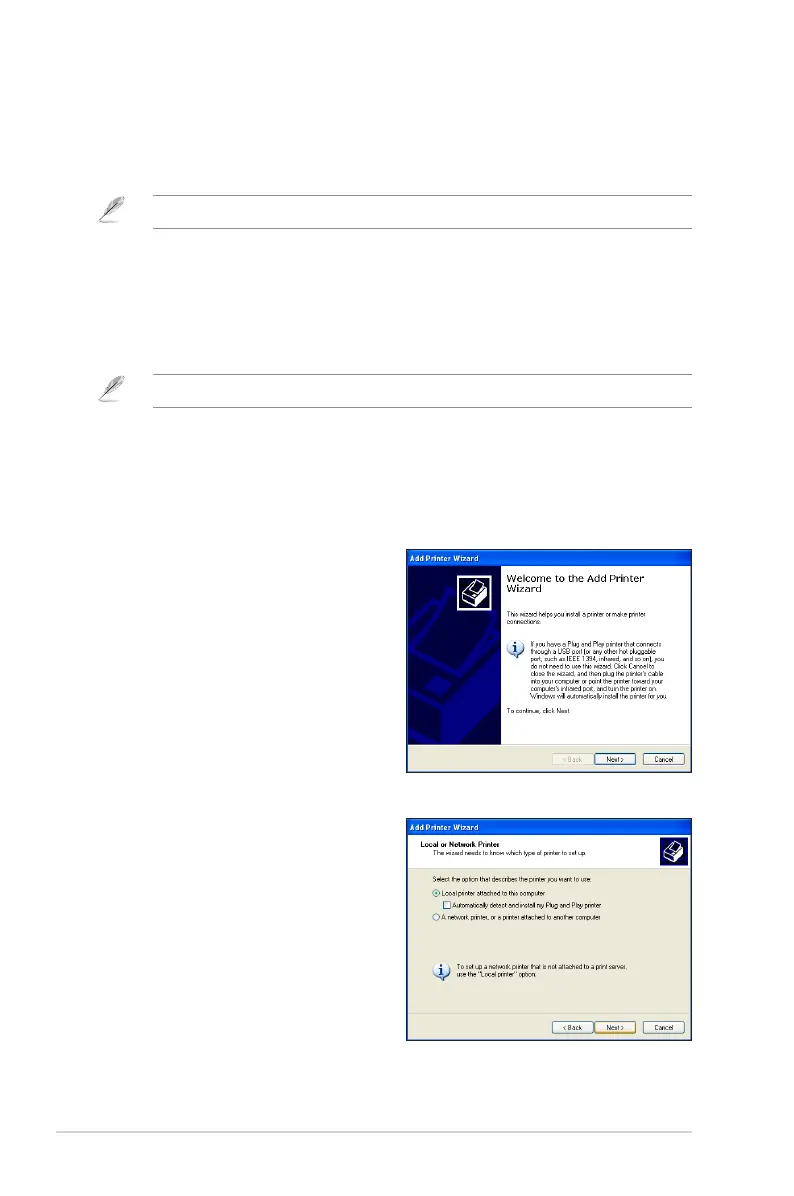
1. Run the Add Printer Wizard from
Start > Printers and Faxes > Add
a printer.
2. Select Local printer attached to
this computer and click Next.



 To Next Page