43
Chapter 5: Installing the utilities RT-N16
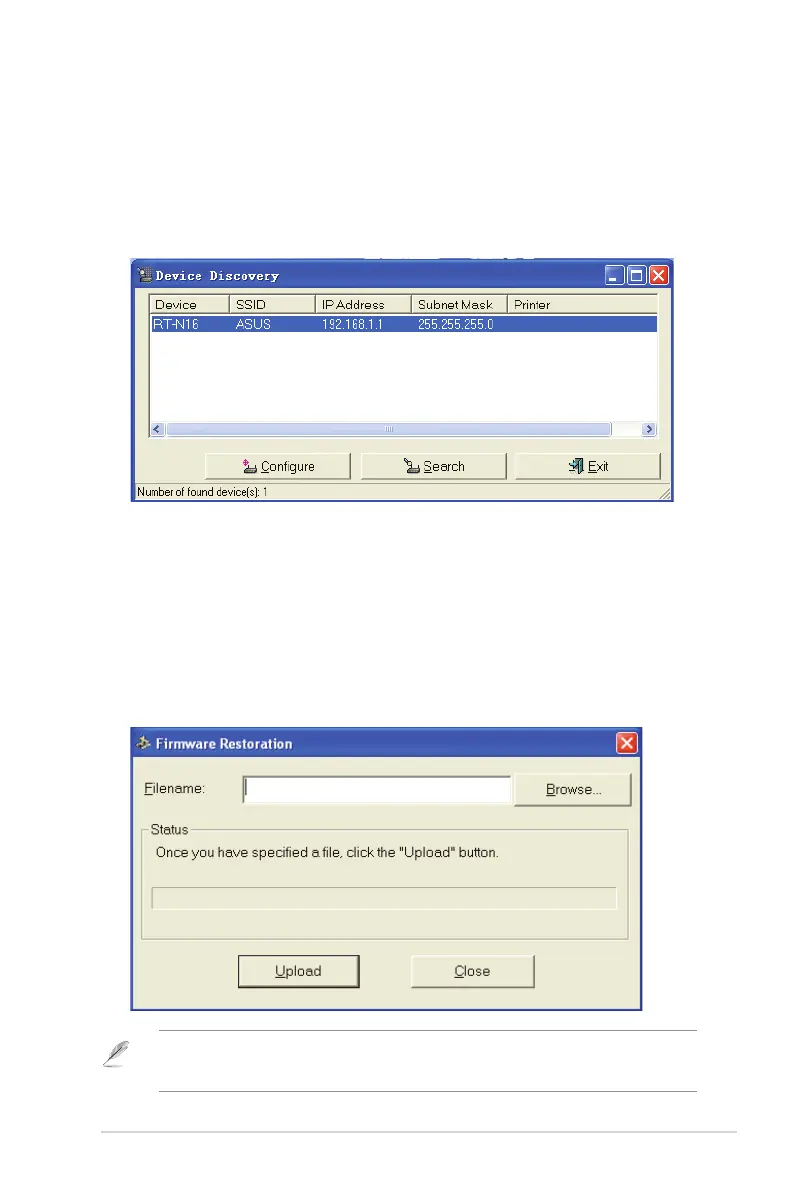
Device Discovery
Device Discovery is an ASUS WLAN utility that detects an ASUS wireless router
device, and enables you to congure the device.
To launch the Device Discovery utility:
• From your computer’s desktop, click Start > All Programs > ASUS Utility
> RT-N16 Wireless Router > Device Discovery.
Firmware Restoration
Firmware Restoration is a utility that searches for an ASUS Wireless Router that
failed during its rmware upgrading process, then restores or re-uploads the
rmware that you specify. The process takes about three to four minutes.
To launch the Firmware Restoration utility:
• From your computer’s desktop, click Start > All Programs > ASUS Utility
RT-N16 Wireless Router > Firmware Restoration.
Note: This is not a rmware upgrade utility and cannot be used on a working ASUS Wireless
Router. Normal rmware upgrades must be done through the web interface. Refer to Chapter 4:
Conguring via the web GUI for more details.



 To Next Page