22
RT-N16 Chapter 4: Conguring via the web GUI
4
Conguring via
the web GUI
Conguring via the web GUI
The router’s web graphics user interface (web GUI) allows you to congure these
features: Network Map, UPnP Media Server, AiDisk, and EZQoS Bandwidth
Management.
To congure via the web GUI:
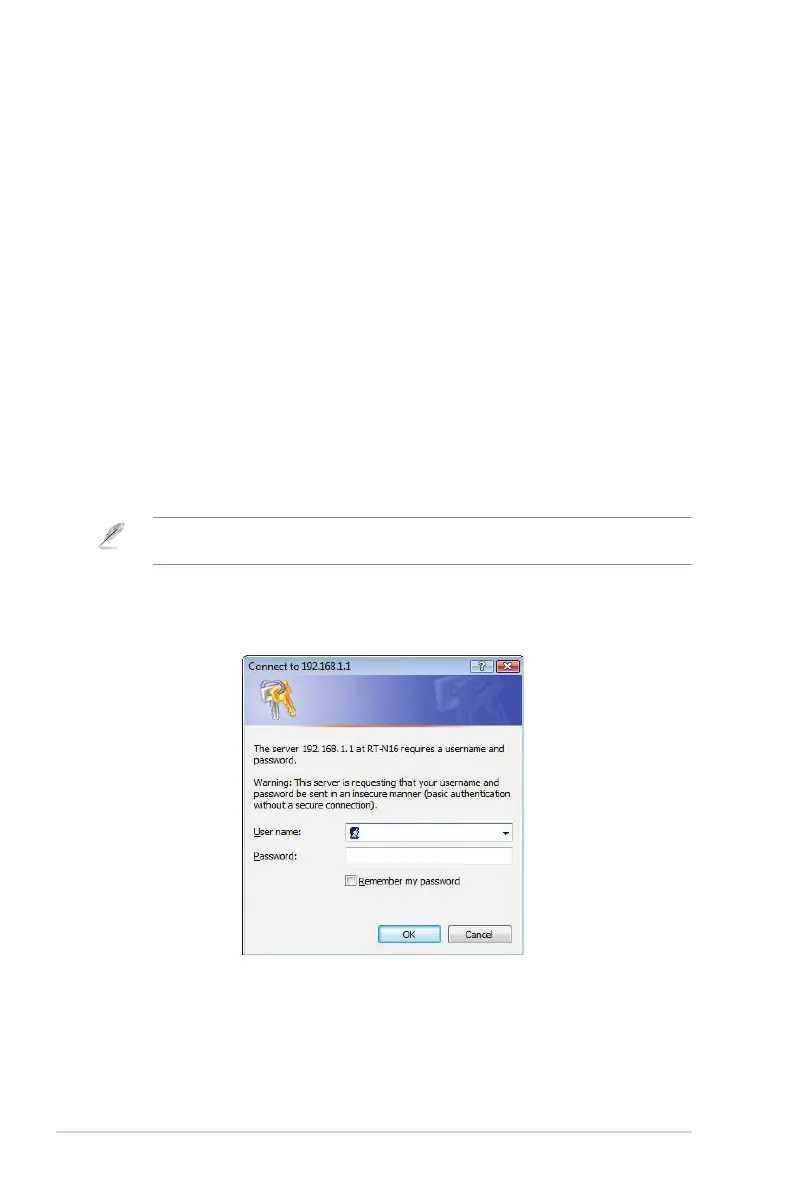
1. After setting up a wired or wireless connection, launch a web browser. The
login page automatically launches.
Note: You may also manually key in the router’s default IP address (192.168.1.1) to launch the
router’s web interface.
2. On the login page, key in the default user name (admin) and password
(admin).



 To Next Page