26
RT-N16 Chapter 4: Conguring via the web GUI
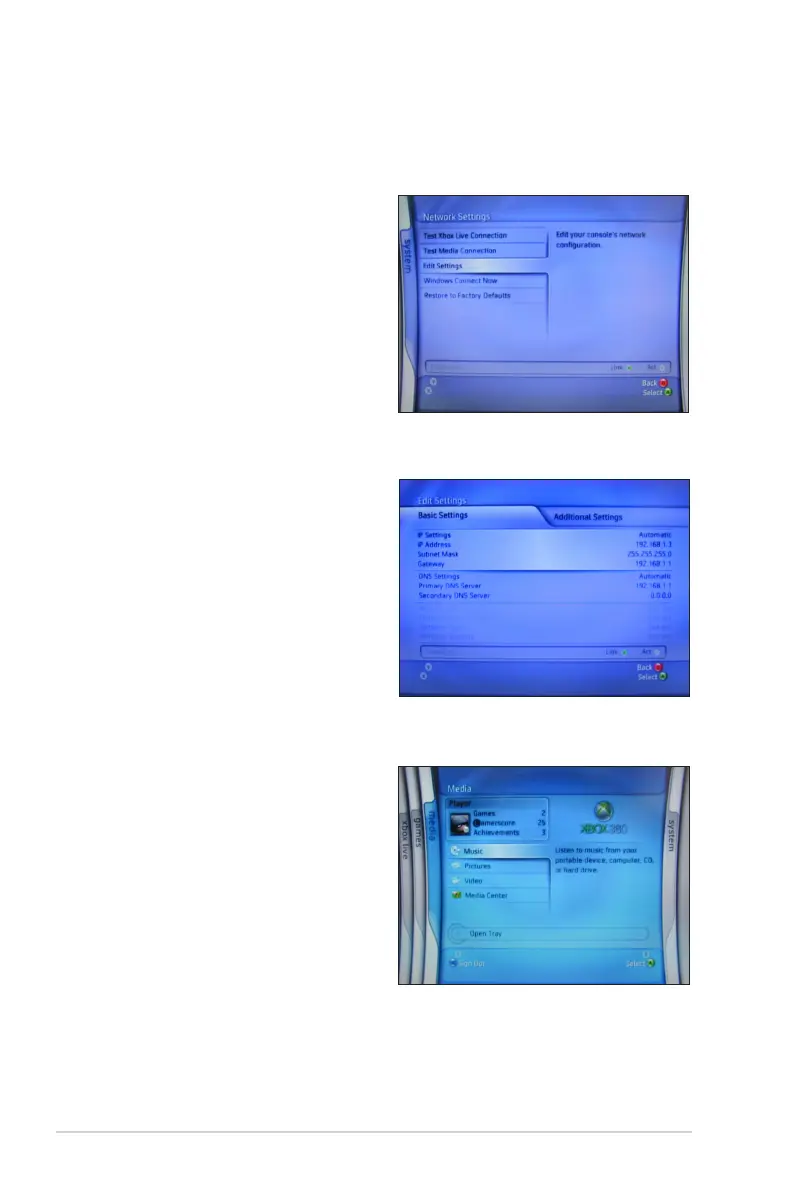
Playing media les on Xbox 360
To play media les on Xbox 360:
1. Launch Xbox360 and enter System
> Edit Settings to set up the
wireless network connection.
2. Set IP Settings to Automatic and
ensure that your Xbox360 gets a
valid IP address.
3. To play music from the USB hard
disk, select Media > Music.



 To Next Page