6-4 Chapter 6: Driver Installation
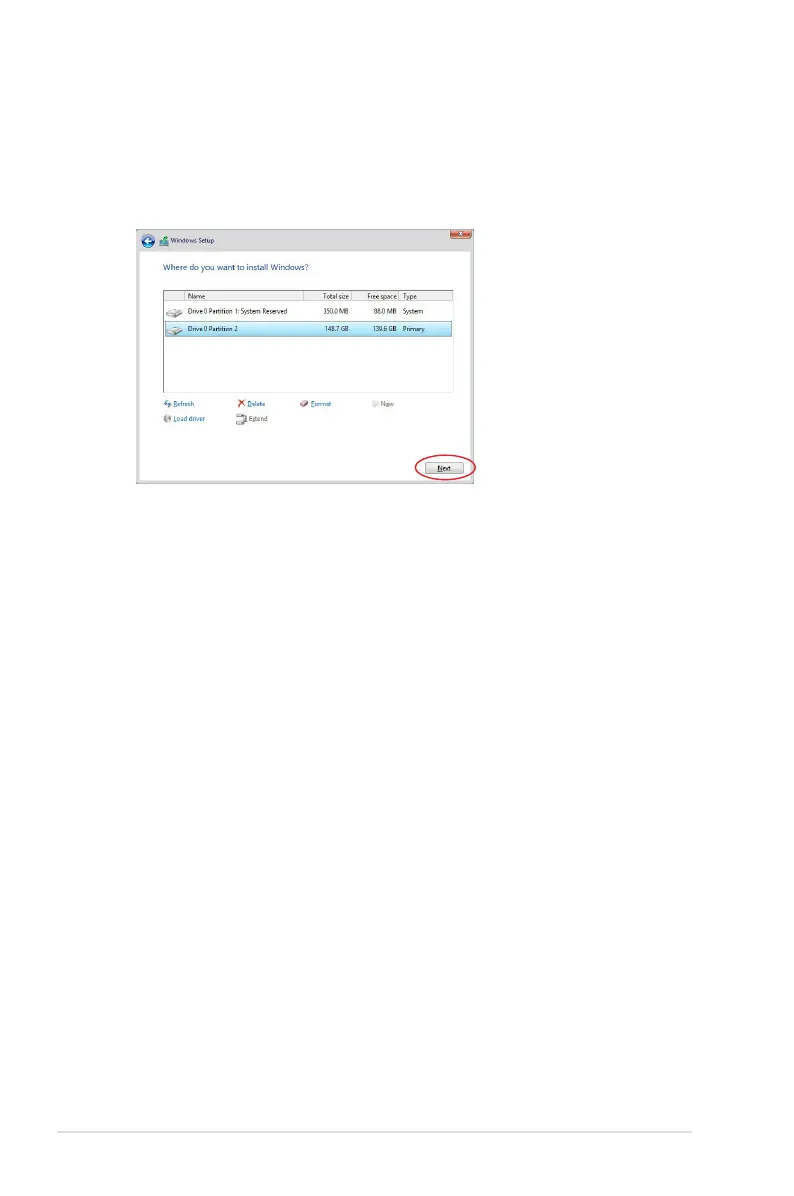
7. When the system nishes loading the RAID driver,
•
Replace the motherboard Support DVD with the Windows Server installation disc.
•
Remove the USB ash drive.
Select the drive to install Windows and click Next.
8. Setup then proceeds with the OS installation. Follow the onscreen instructions to
continue.


 To Next Page
 Loading...









