ASUS TS100-E10-PI4
4-35
Device Guard Ready
Remove ‘UEFI CA’ from DB
Remove Microsoft UEFI CA from Secure Boot DB.
Restore DB defaults
Restore DB variable to factory defaults.
Platform Key (PK) / Key Exchange Keys (KEK) / Authorized Signatures (DB)
/ Forbidden Signatures (DBX) / Authorized TimeStamps (DBT) / OsRecovery
Signatures
Congurationoptions:[Erase][SetNew][SavetoFile]
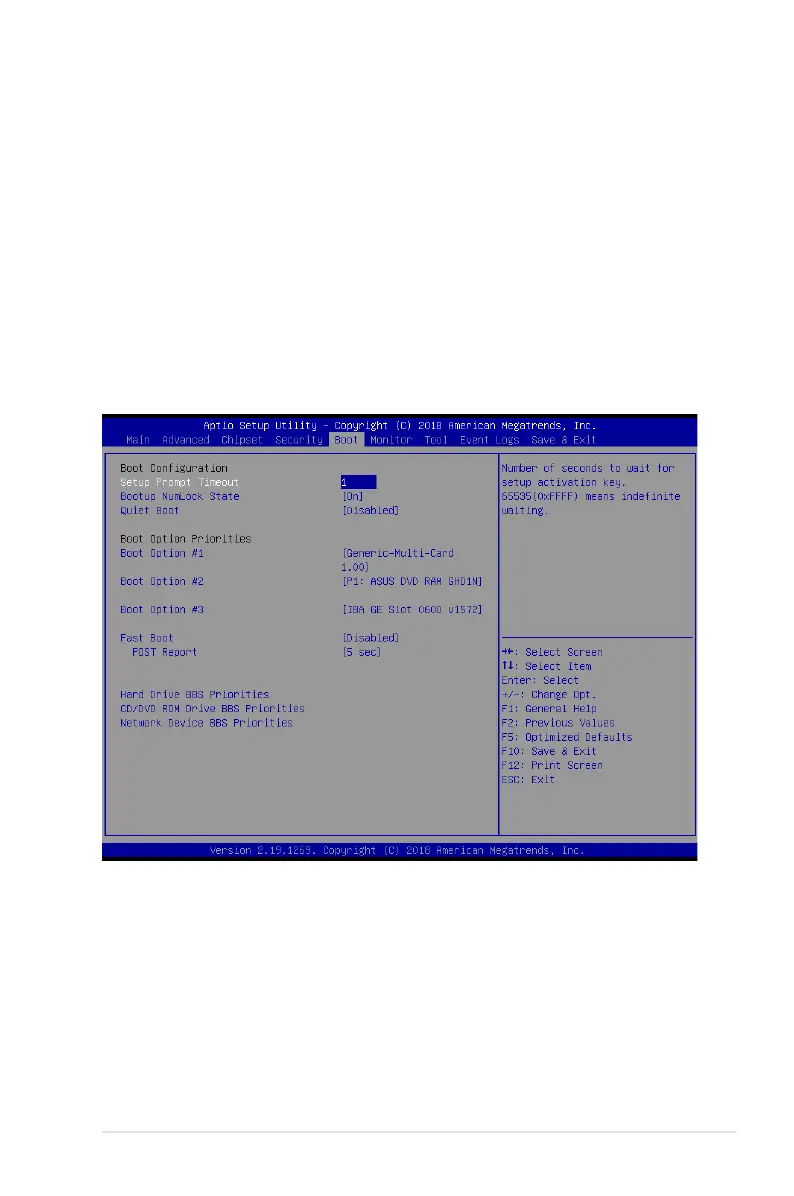
4.7 Boot menu
The Boot menu items allow you to change the system boot options.













 To Next Page