ASUS TS100-E10-PI4
4-29
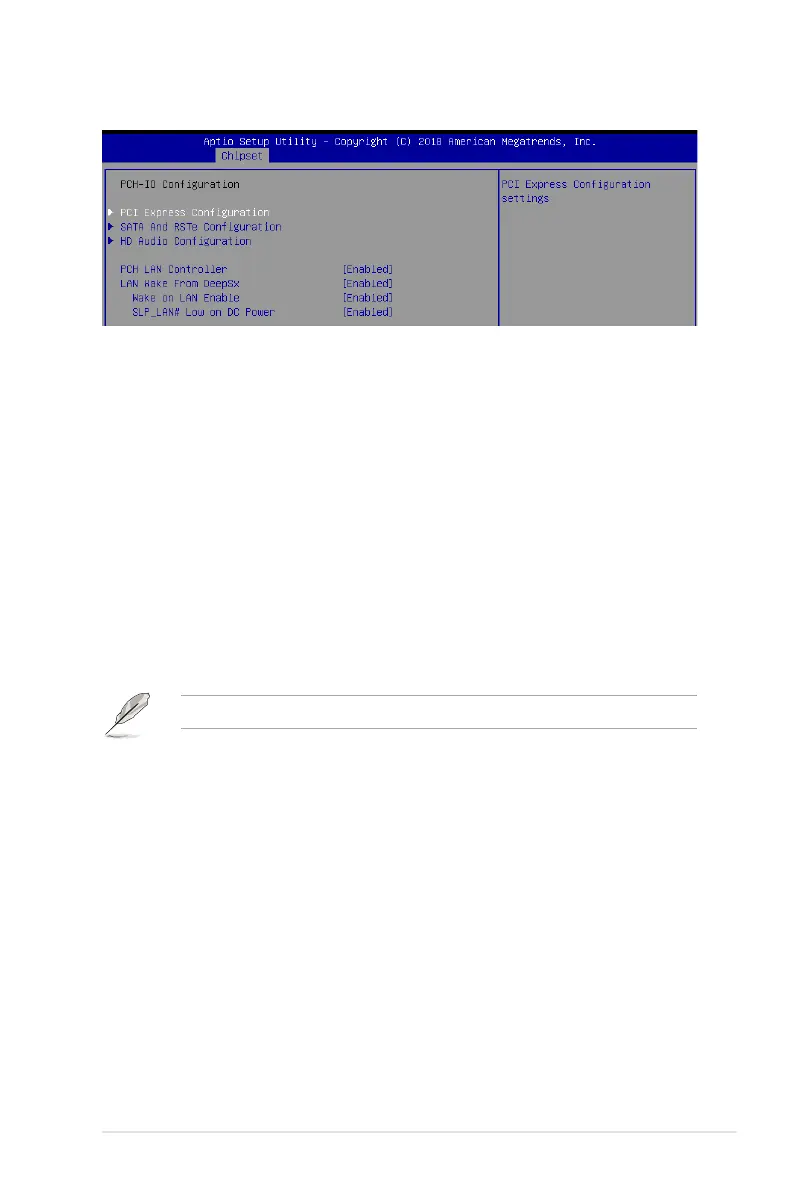
4.5.2 PCH-IO Conguration
PCI Express Conguration
PCI Express Clock Gating [Enabled]
AllowsyoutoenableordisablePCIExpressclockgatingforeachrootport.
Congurationoptions:[Disabled][Enabled]
DMI Link ASPM Control [Enabled]
AllowsyoutoenableordisablecontrolofactivestatepowermanagementofDMIlink.
Congurationoptions:[Disabled][Enabled]
Port8xh Decode [Disabled]
Allows you to enable or PCI express port 8xh decode.
Congurationoptions:[Disabled][Enabled]
SATA And RSTe Conguration
SATA Controller(s) [Enabled]
Allows you to enable or disable the SATA Controller.
Congurationoptions:[Disabled][Enabled]
The following item appears only when you set the SATA Controller(s) to [Enabled].
SATA Mode Selection [AHCI]
Allows you to select the SATA controllers operation.
Congurationoptions:[AHCI][RAID]
Serial ATA Port 0-7
Port 0-7 [Enabled]
Allows you to enable or disable the SATA port.
Congurationoptions:[Disabled][Enabled]
Hot Plug [Enabled]
Allows you to enable or disable this port as hot pluggable.
Congurationoptions:[Disabled][Enabled]
Spin Up Device [Disabled]
Allows you to enable or disable Spin Up Device.
Congurationoptions:[Disabled][Enabled]
SATA Device Type [Hard Disk Drive]
Allows you to identify the SATA port is connected to a solid state drive or a
harddiskdrive
Congurationoptions:[HardDiskDrive][SolidStateDrive]













 To Next Page