6-6
Chapter 6: RAID configuration
6. Use the up/down arrow keys to select the stripe size for the RAID array (for RAID 0,
10 and 5 only) then press <Enter>. The available stripe size values range from 4 KB to
128 KB. The following are typical values:
RAID 0: 128KB
RAID 10: 64KB
RAID 5: 64KB
We recommend a lower stripe size for server systems, and a higher stripe size for multimedia
computer systems used mainly for audio and video editing.
7. In the Capacity field item, key in the RAID volume capacity that you want to use and
press <Enter>. The default value indicates the maximum allowed capacity.
8. Press <Enter> to start creating the RAID volume.
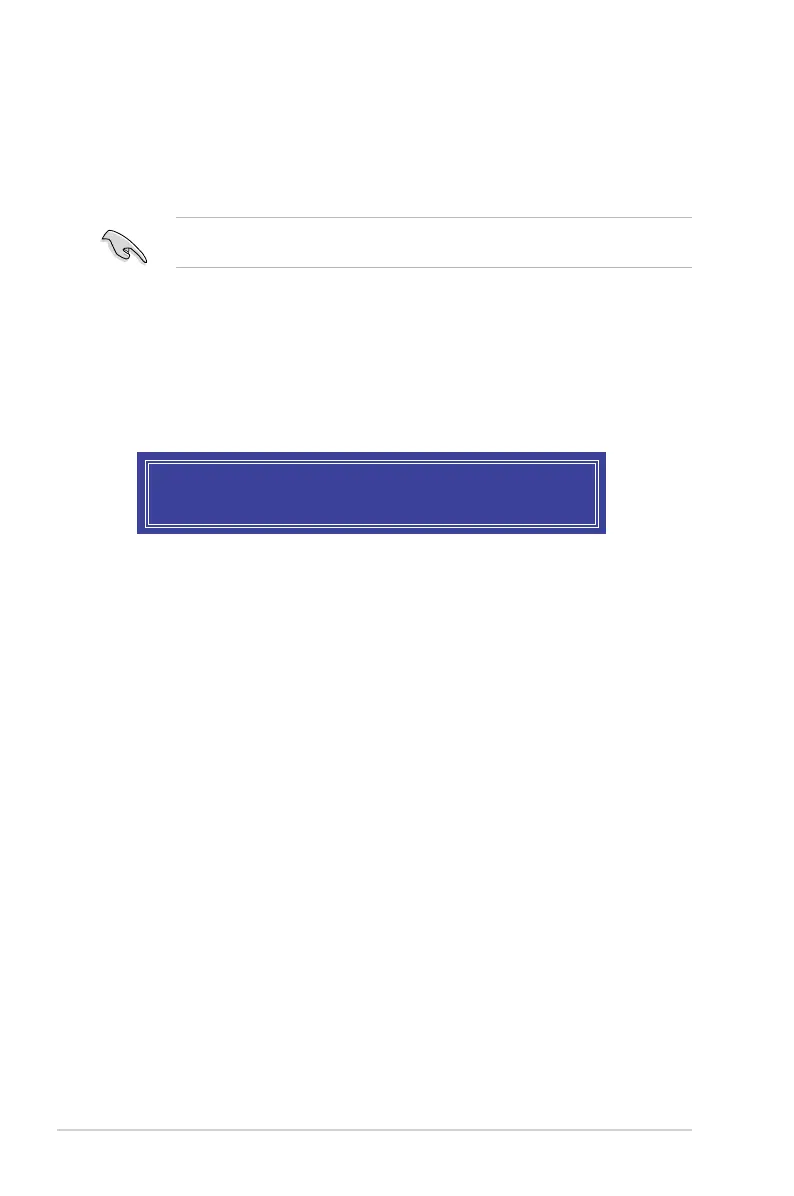
9. From the following warning message, press <Y> to create the RAID volume and return
to the main menu, or press <N> to go back to the CREATE VOLUME menu
WARNING: ALL DATA ON SELECTED DISKS WILL BE LOST.
Are you sure you want to create this volume? (Y/N):













 To Next Page