Chapter 2: Hardware setup2-28
2.9 Removable components
You may need to remove previously installed system components when installing
or removing system devices, or when you need to replace defective components.
This section tells how to remove the following components:
1. Rear system fan
2. Chassis footpads
2.9.1 System fan
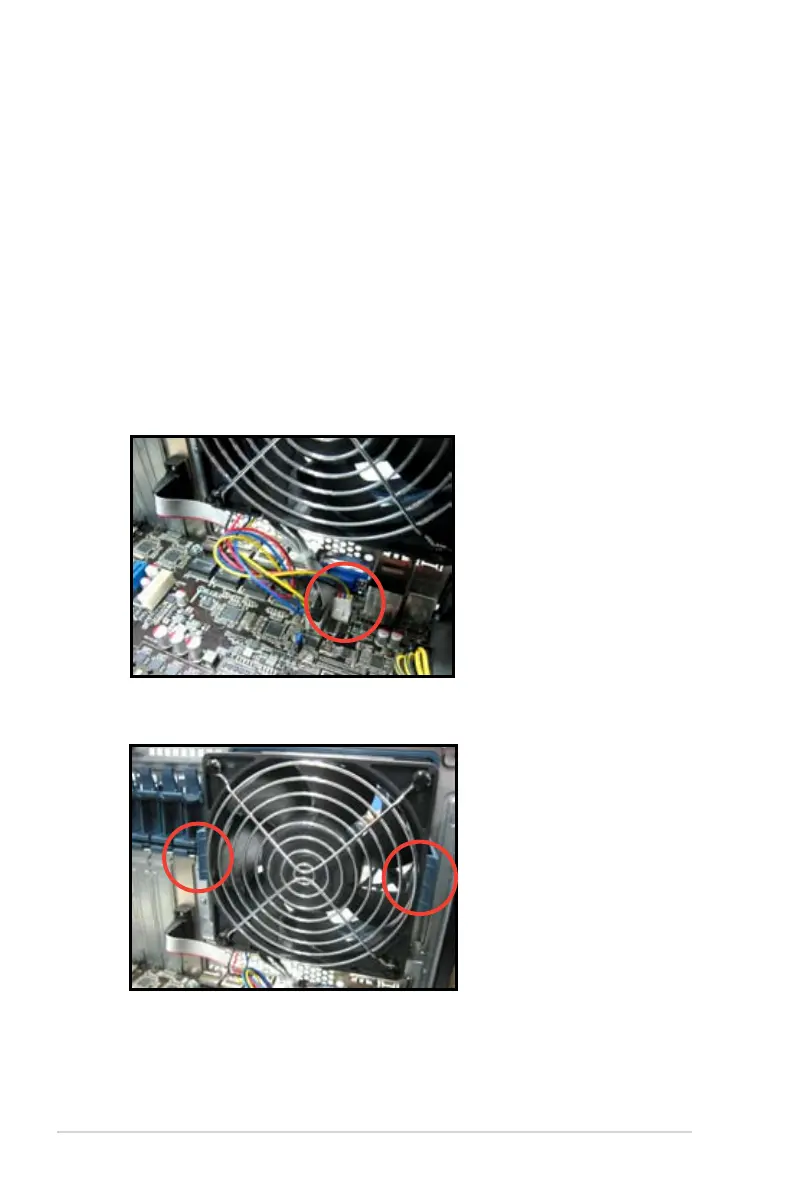
Removing the rear system fan
To remove the rear system fan
1. Unplug the system fan cable from the REAR_FAN1 connector on the
motherboard.
2. Spread apart the two hooked tabs to release the system fan from its position.













 To Next Page