2-17ASUS TS300-E8-PS4
2.6.4 Installing a hot-swap SATA/SAS hard disk drive
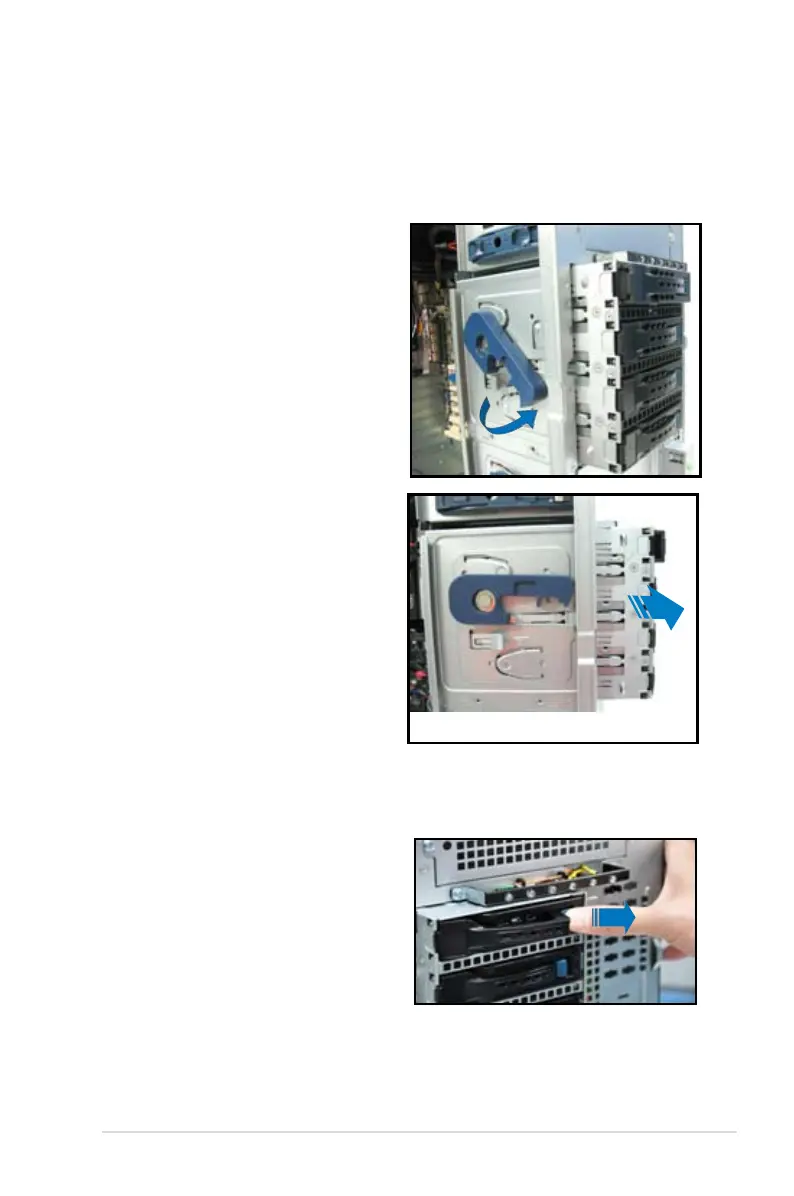
1. Release a drive tray by pushing the
spring lock to the right, and then
pulling the tray lever outward. The
drive tray ejects slightly after you
pull out the lever.
2.6.3 Removing the HDD module cage
1. Disconnect all cables from the SATA/SAS backplane on the HDD module
cage.
3. Completely pull out the HDD
module cage.
2. Rotate the HDD module cage
latch counterclockwise. The HDD
module cage will push out of the
chassis.













 To Next Page