2-29ASUS TS300-E8-PS4
2.9.2 Chassis footpads
The barebone server system is shipped with four footpads attached to the bottom
of the chassis for stability. You need to remove these footpads if you wish to install
the system to a rack (Refer to Chapter 3: Installation options of this user guide,
and to the “Rackmount Kit” user guide for instructions)
To remove the footpads
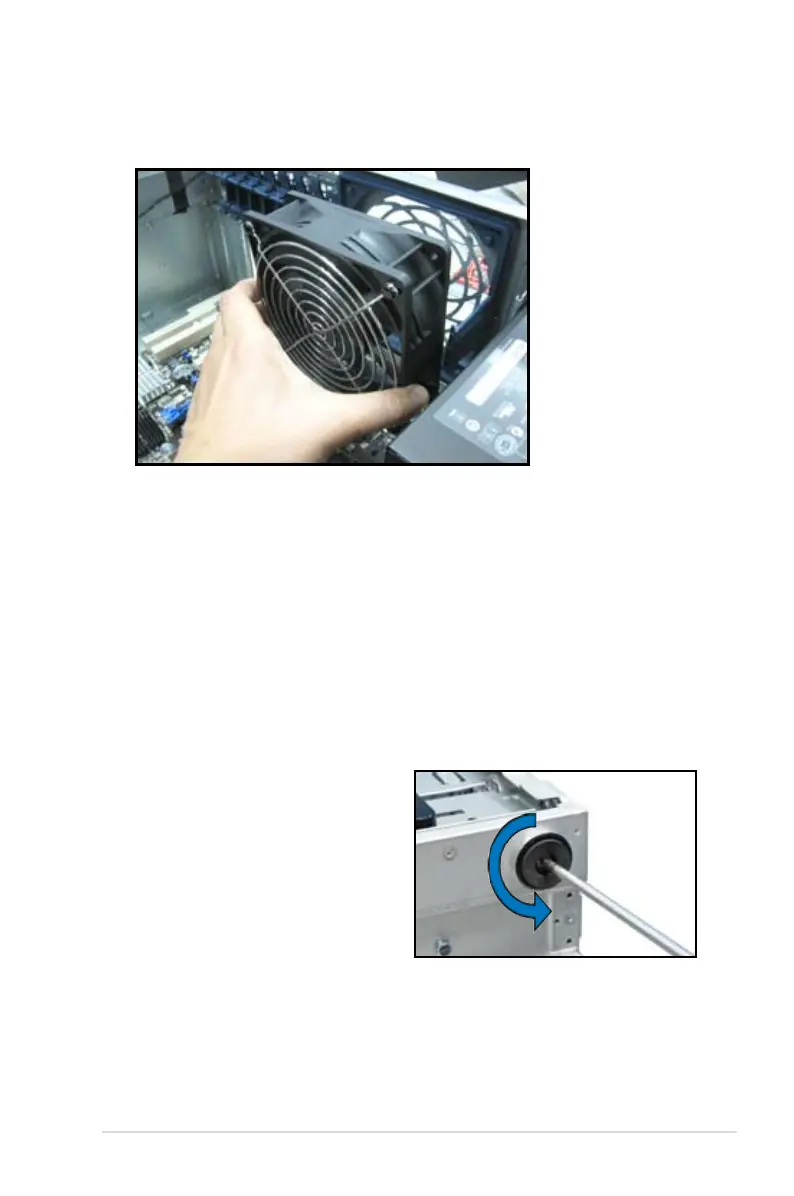
1. Lay the system chassis on its side.
2. Remove the footpad by rotating
it counterclockwise with a Philips
(cross) screwdriver.
3. Repeat step 1 and 2 to remove the
other three footpads.
3. Remove the system fan.
4. Follow the previous instructions in reverse to reinstall the rear system fan.













 To Next Page