2-3ASUS TS300-E8-PS4
2.1.2 Reinstalling the side cover
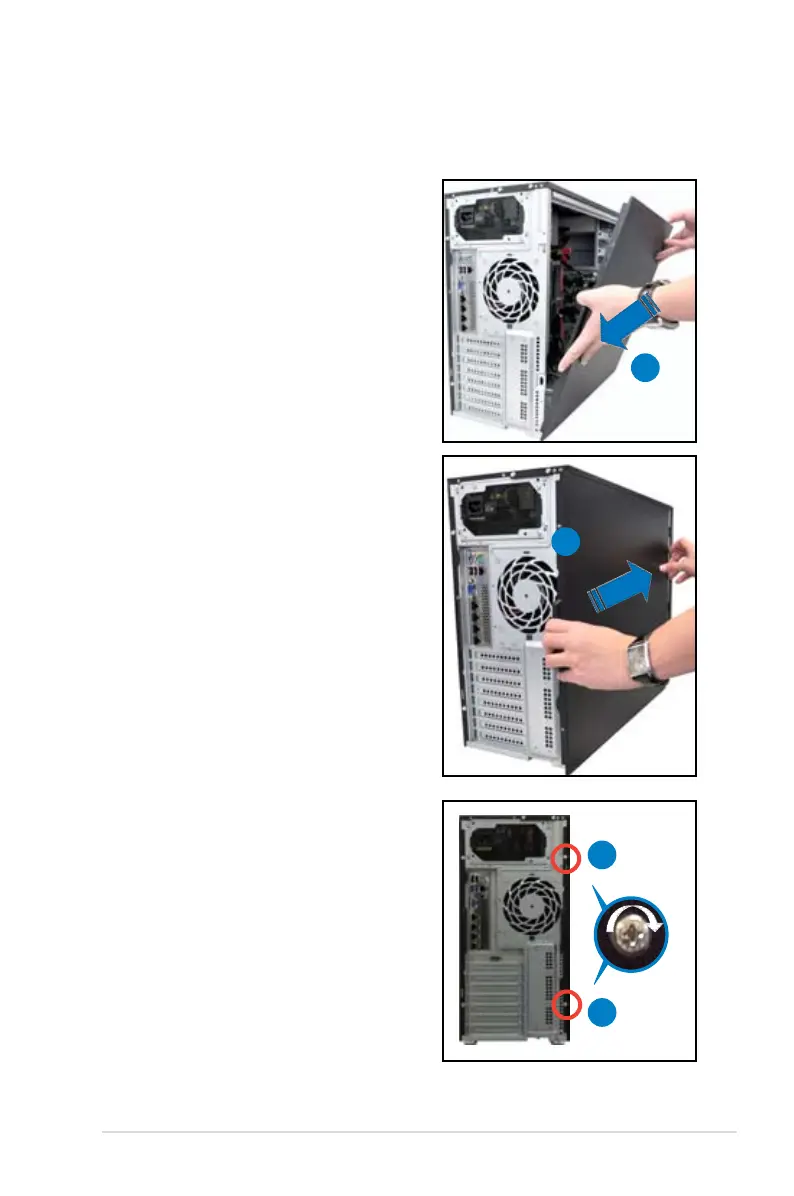
To reinstall the side cover
1. Match and insert the bottom edge of the
side cover to the corresponding chassis
edge.
2. Position the side cover on to the
chassis.
4. Secure the side cover in place
using two screws.
1
3. Slide the side cover toward the
front panel until it snaps in place.
4
4
3













 To Next Page