ASUS TS300-E8-PS4
5-3
3. Press <Tab> to switch to the Drive field.
4. Press the Up/Down arrow keys to find the USB flash disk that contains the latest BIOS
then press <Enter>.
5. Press <Tab> to switch to the Folder Info field.
6. Press the Up/Down arrow keys to find the BIOS file then press <Enter>.
7. Reboot the system when the update process is done.
5.1.2 ASUS EzFlash Utility
The ASUS EzFlash Utility feature allows you to update the BIOS without having to use a
DOS-based utility.
Before you start using this utility, download the latest BIOS from the ASUS website at www.
asus.com.
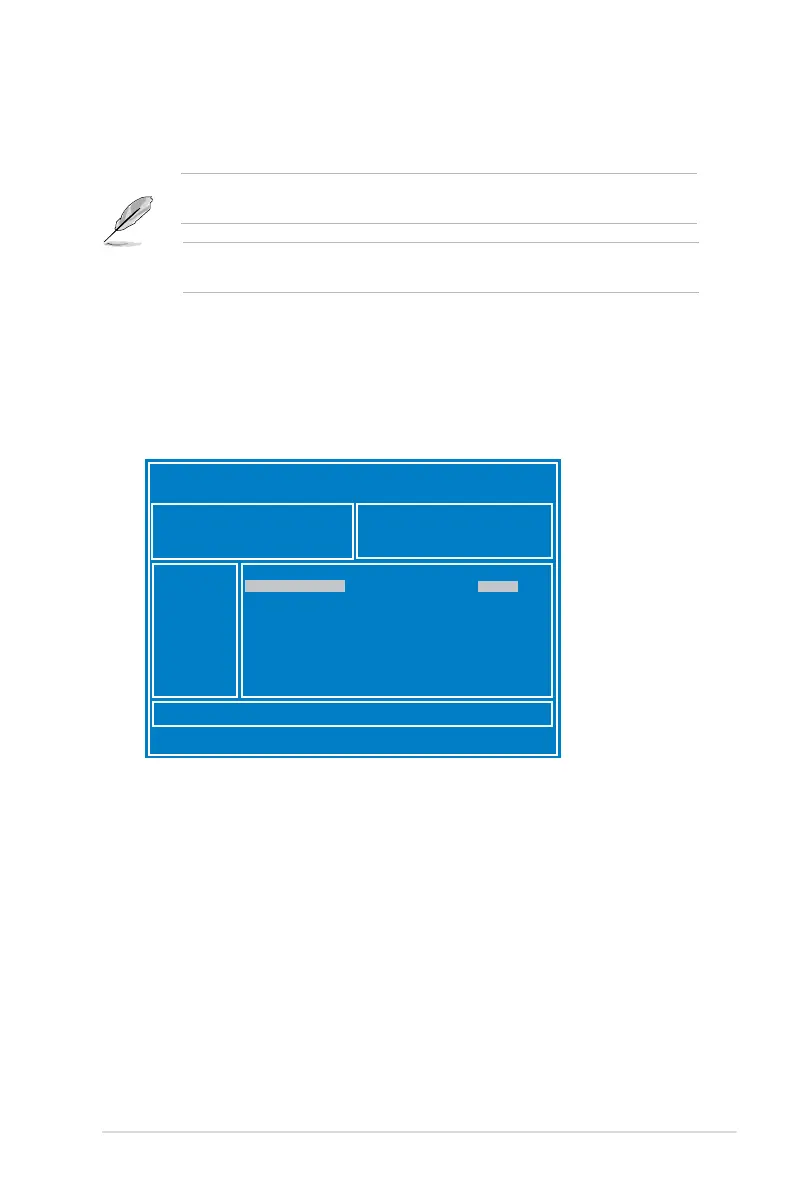
To update the BIOS using EzFlash Utility:
1. Insert the USB flash disk that contains the latest BIOS file to the USB port.
2. Enter the BIOS setup program. Go to the Tool menu to select ASUS EzFlash Utility and
press <Enter> to enable it.
ASUS Tek. Easy Flash Utility
[Up/Down/Left/Right]:Switch [Enter]:Choose [q]:Exit
FS0
System Volume Information <DIR>
P9D-E-4L Bios <DIR>
Windows <DIR>
P9D-E-4L Bios
<DIR>
Current Platform
Platform : P9D-E/4L
Version : 0051
Build Date :11/26/2012
New Platform
Platform : P9D-E/4L
Version : 0060
Build Date :12/03/2012
The succeeding BIOS screens are for reference only. The actual BIOS screen displays may
not be the same as shown.













 To Next Page