6-14
Chapter 6: RAID configuration
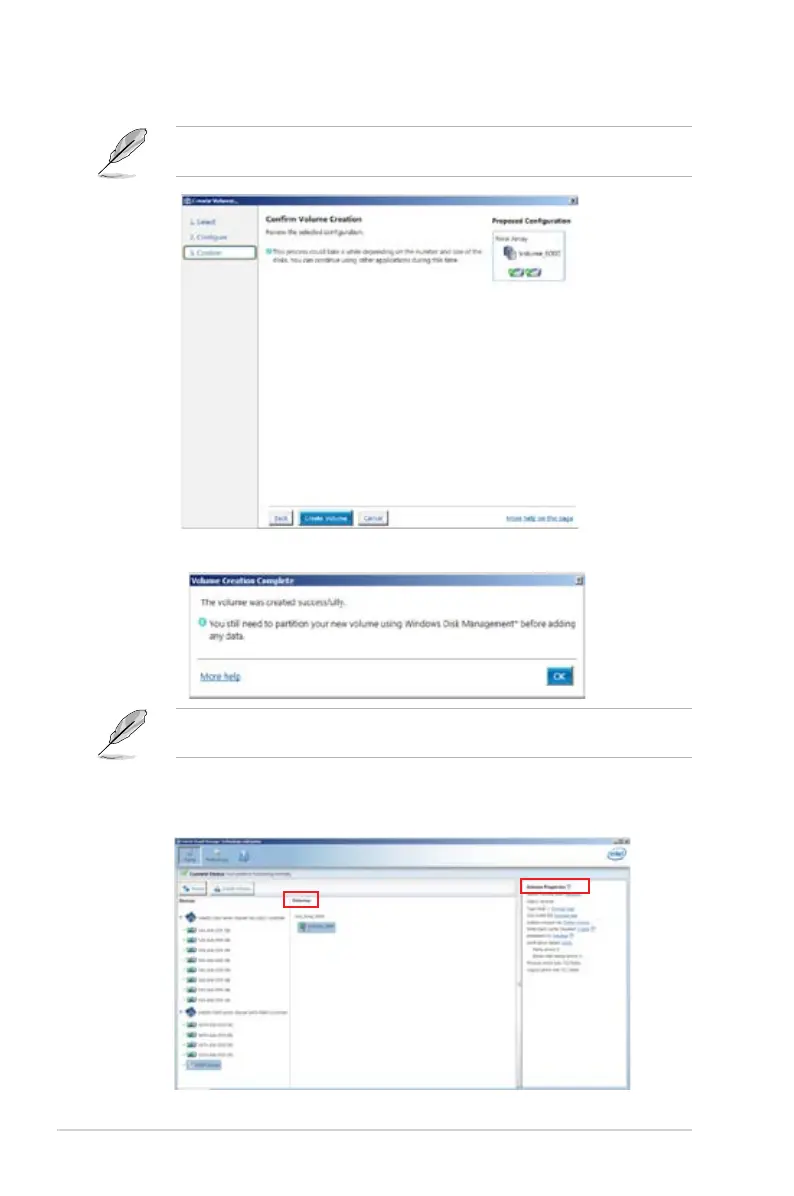
6. Confirm the volume creation, than click Create Volume to continue.
This process could take a while depending on the number and size of the disks. You can
continue using other applications during this time.
7. Wait until the process is completed, then click OK when prompted.
You still need to partition your new volume using Windows Disk Management before adding
any data.
The RAID set is displayed in the Volumes list and you can change the settings in Volume
Properties.













 To Next Page