4 MACHINE DESCRIPTION / CONTROLS
50
RT-40 US O&M
0404-766 2019-05
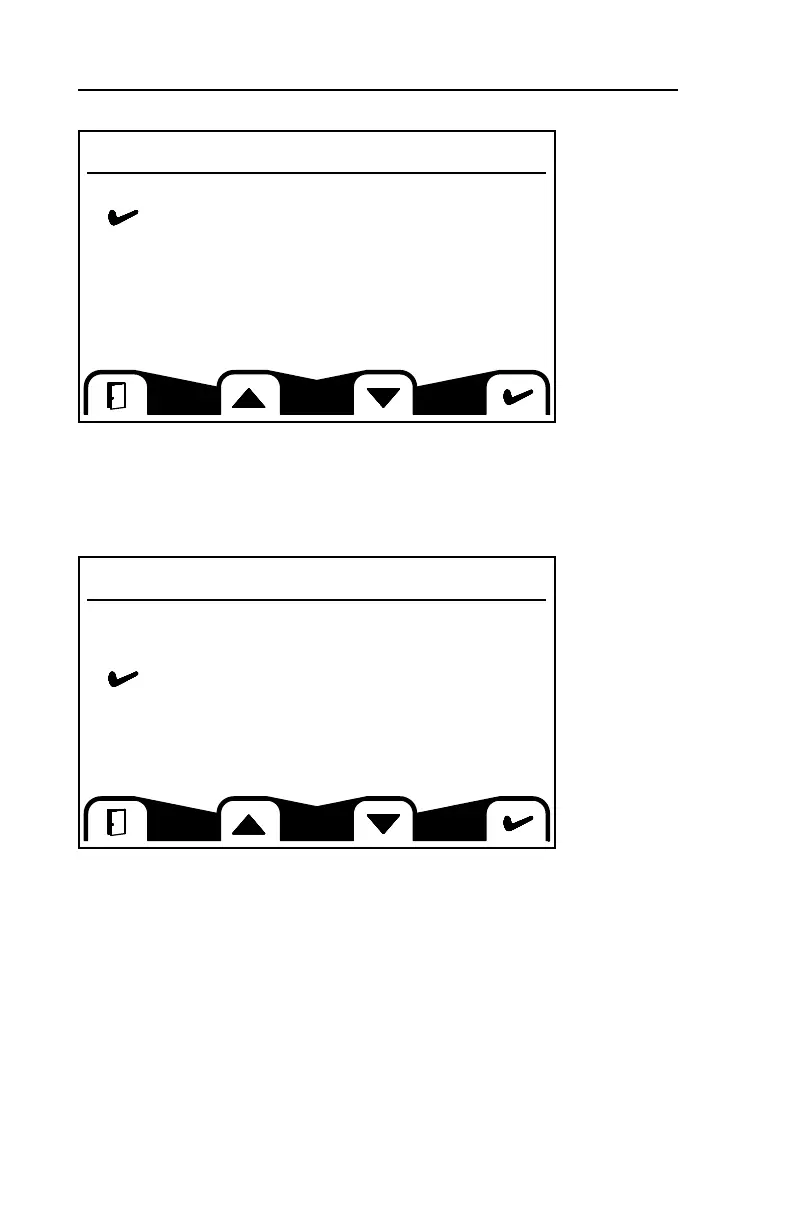
Reset Defaults
This screen allows you to reset the system defaults. Toggle to your desired selec-
tion with the buttons below the up and down arrows then confirm by pressing the
button below the check mark.
Trip Reset
This screen allows you to reset the Trip Hours. Toggle to your desired selection
with the buttons below the up and down arrows then confirm by pressing the but-
ton below the check mark.
Reset Defaults
No
Yes
Trip Reset
No
Yes
Are you sure?



 To Next Page