A68(W) IP Phone User Manual
ATCOM TECHNOLOGY CO., LIMITED www.atcom.cn21
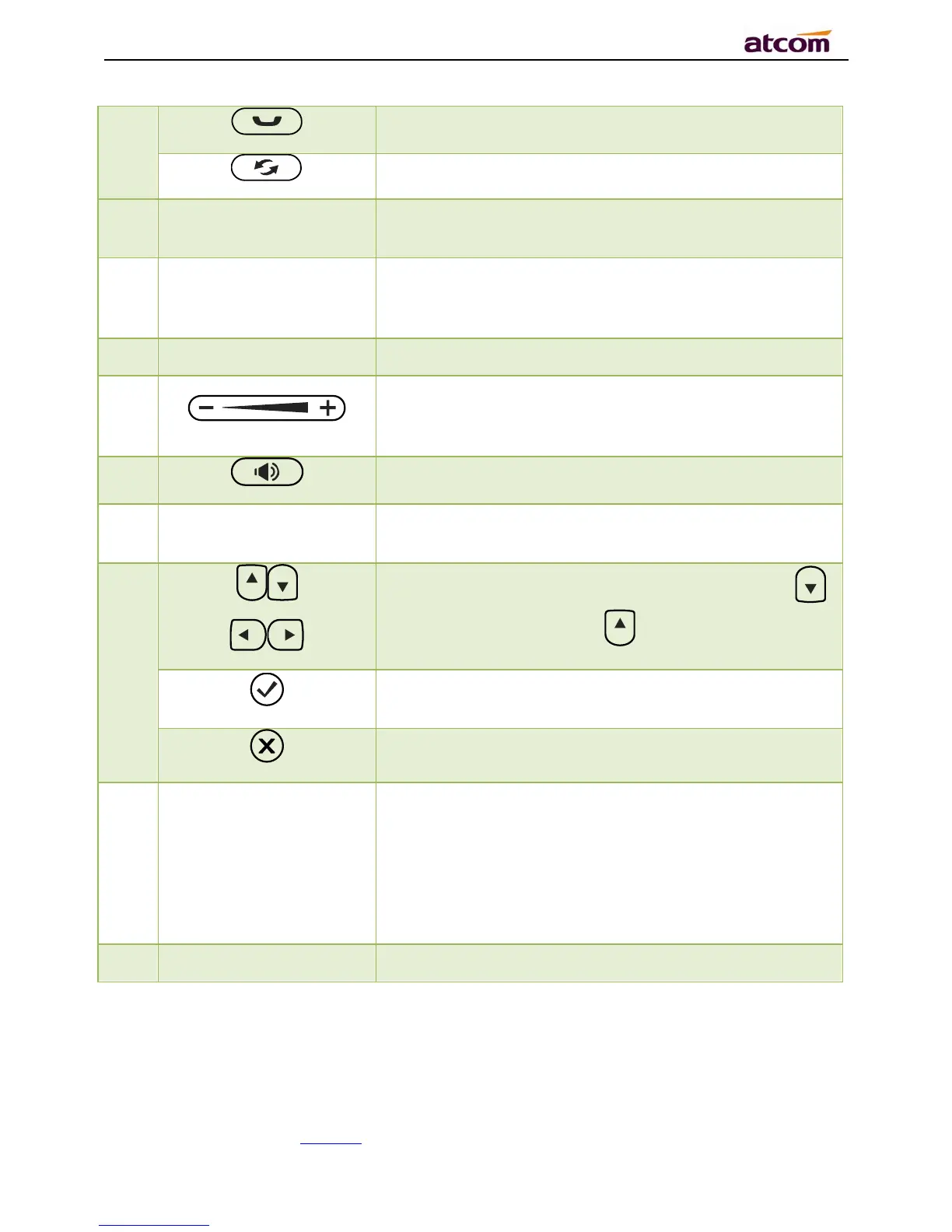
Hold/Resume a call
Re-dial the latest dialed phone number
3 Main LCD Display
Display Calling details,Message,Softkey,Time, Date and
other info.
4 Softkey
Press to select a function which displayed at the softkey
zone of screen. Display all optional functions at the last
line of LCD screen.
6
Adjust the volume (speaker/handset/headset/ring).
Volume level will be displayed on LCD when pressing
volume key.
7
Pick up and hung up under the speaker mode.
8 Status Indicator
The Status Indicator (LED) will be Red slow blinking when
new incoming call or Voicemail.
9
Allow users to navigate (left, right, up, down). Press
can enter “Directory”. Press can enter “History”.
Confirm users’ operation and show status when Rainbow2
is idle.
Cancel users’ operation.
10
Memory Key and Status
Indicator
Aside the BLF LCD display, Programmable keys with
built-in Red/Green dual-color LED lights to indicate
different status:
Off——The account is unregistered
Green on always——The account is idle.
Red on always ——The account is being occupied.
Red fast blinking——The account is ringing.



 To Next Page