A68(W) IP Phone User Manual
ATCOM TECHNOLOGY CO., LIMITED www.atcom.cn92
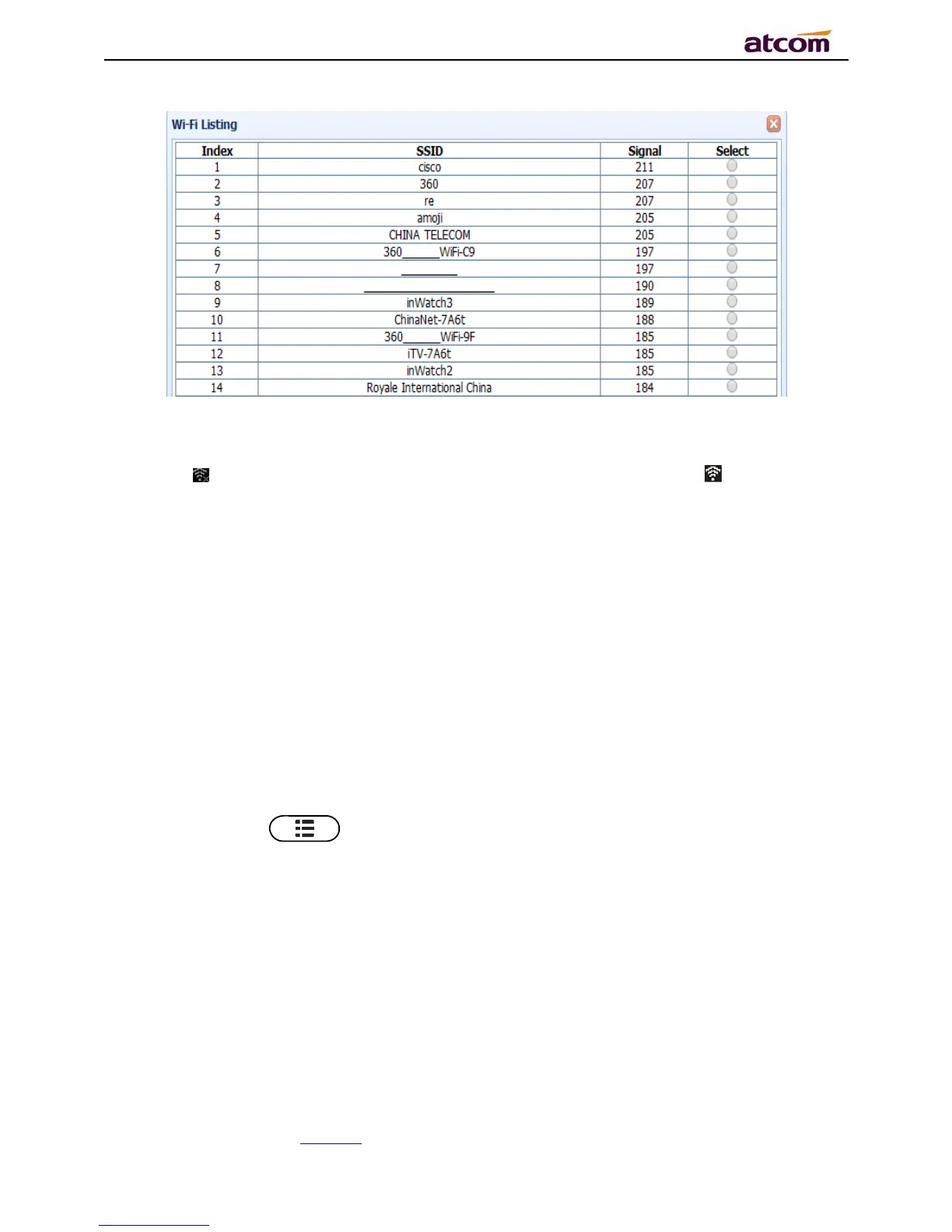
Input the right “Secret Key” and then click the “Confirm” button, the phone will reboot, after
rebooting,the Wi-Fi icon will display on the home screen, it means connect failed when the icon
come with , then you should check the configuration.if the icon come with ,it means
connect successfully.
6、FAQ
6.1、How to reset to factory
There are 3 methods for factory reset:
1. Factory reset via phone:
a) Press the key
b) Select“Settings”,then press the soft key“Enter”
c) Select “Advanced Settings”,then press the soft key“Enter”
d) Input the access password, then press the soft key“Enter”
e) Select“Reset to factory”,then press the soft key“Enter”
f) Press the soft key“OK”,then the phone will be reboot and resumed to factory default
settings



 To Next Page