A68(W) IP Phone User Manual
ATCOM TECHNOLOGY CO., LIMITED www.atcom.cn87
The existed replace dial plans are
editable. The specified dial plan should
be selected until it is covered with
orange and the input fields “Number”
and “Replace” shows the details
correctly. After modifying, click button
“Edit” to make it to be effect
Delete one added or saved replace dial
plan or multiple ones, click the frame
after the specified replace dial plan
before delete it, and then click button
“Delete”
Any alteration won’t take effect until the
button “Save” is clicked.
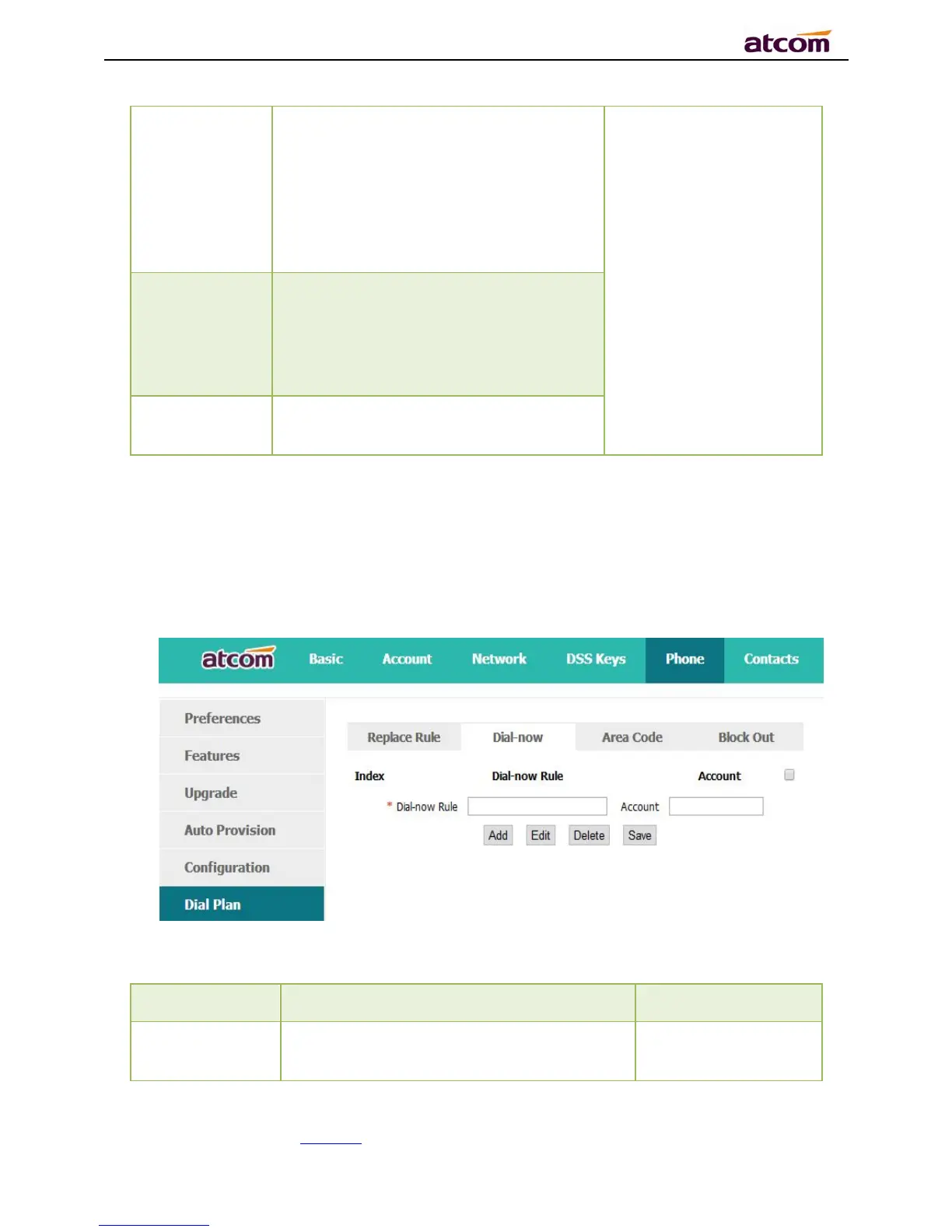
4.6.2、Dial-now
Dial plan “Dial-now” permits the corresponding phone to be dialed instantly without
pressing the soft key “Dial”, once the input has been matched. It works like a hotline.
The string to be dialed out automatically by
the phone
Set “Dial-now Rule”
as 6xxx, keep



 To Next Page