A68(W) IP Phone User Manual
ATCOM TECHNOLOGY CO., LIMITED www.atcom.cn56
User is able to check voicemail in below ways:
1. Setup voicemail number→Press the key
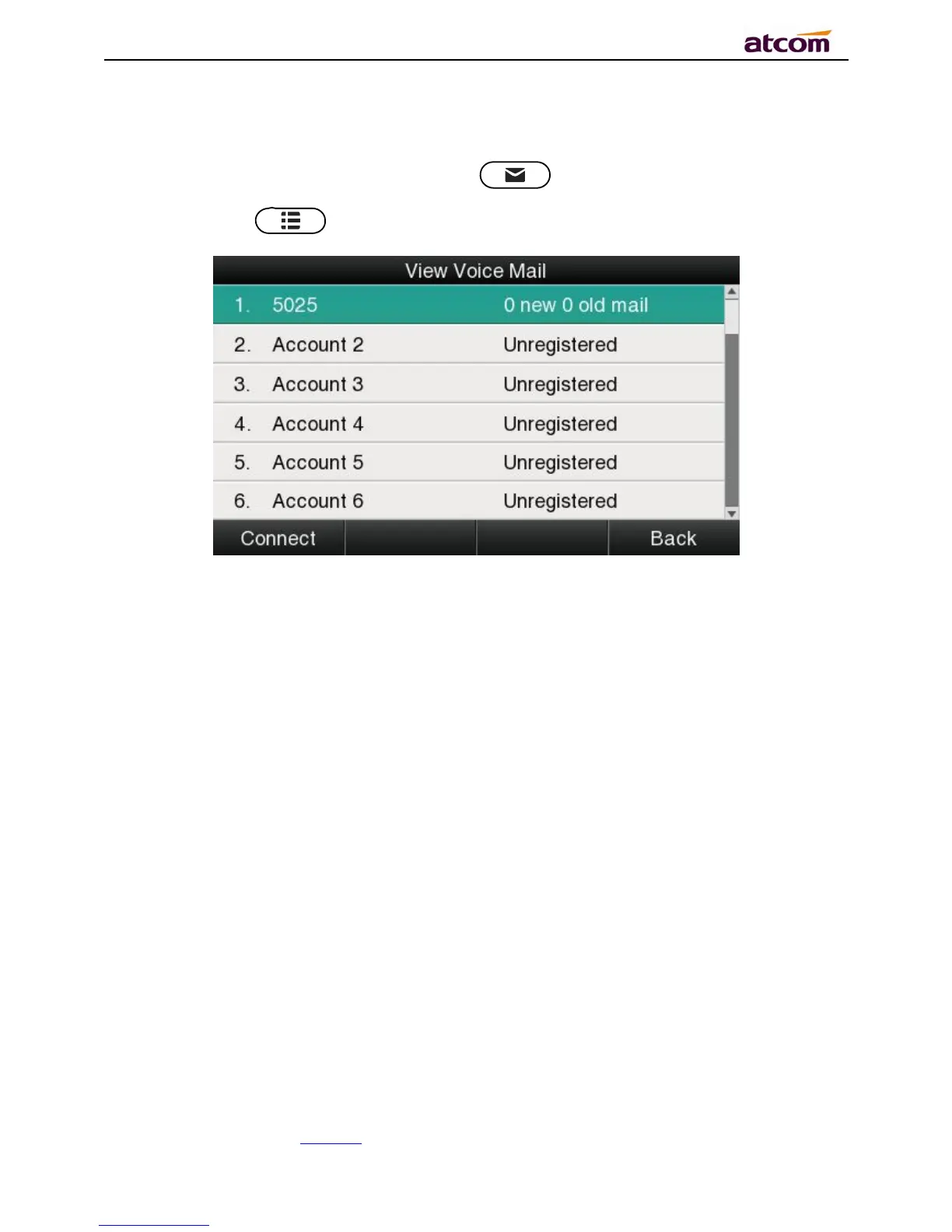
2. Press the key →Select “Message”→“View Voicemail”
Select the account with “N new N old mail”, and press the soft key “Connect”, the
corresponding voicemail will be connected.
Select the account with “Unregistered”, and press the soft key“Connect”, the setting page of
Voicemail will be popped up.
3.4.6、Settings
Basic settings and Advanced settings will be introduces in this part,
Basic Settings



 To Next Page