A68(W) IP Phone User Manual
ATCOM TECHNOLOGY CO., LIMITED www.atcom.cn57
1. Language
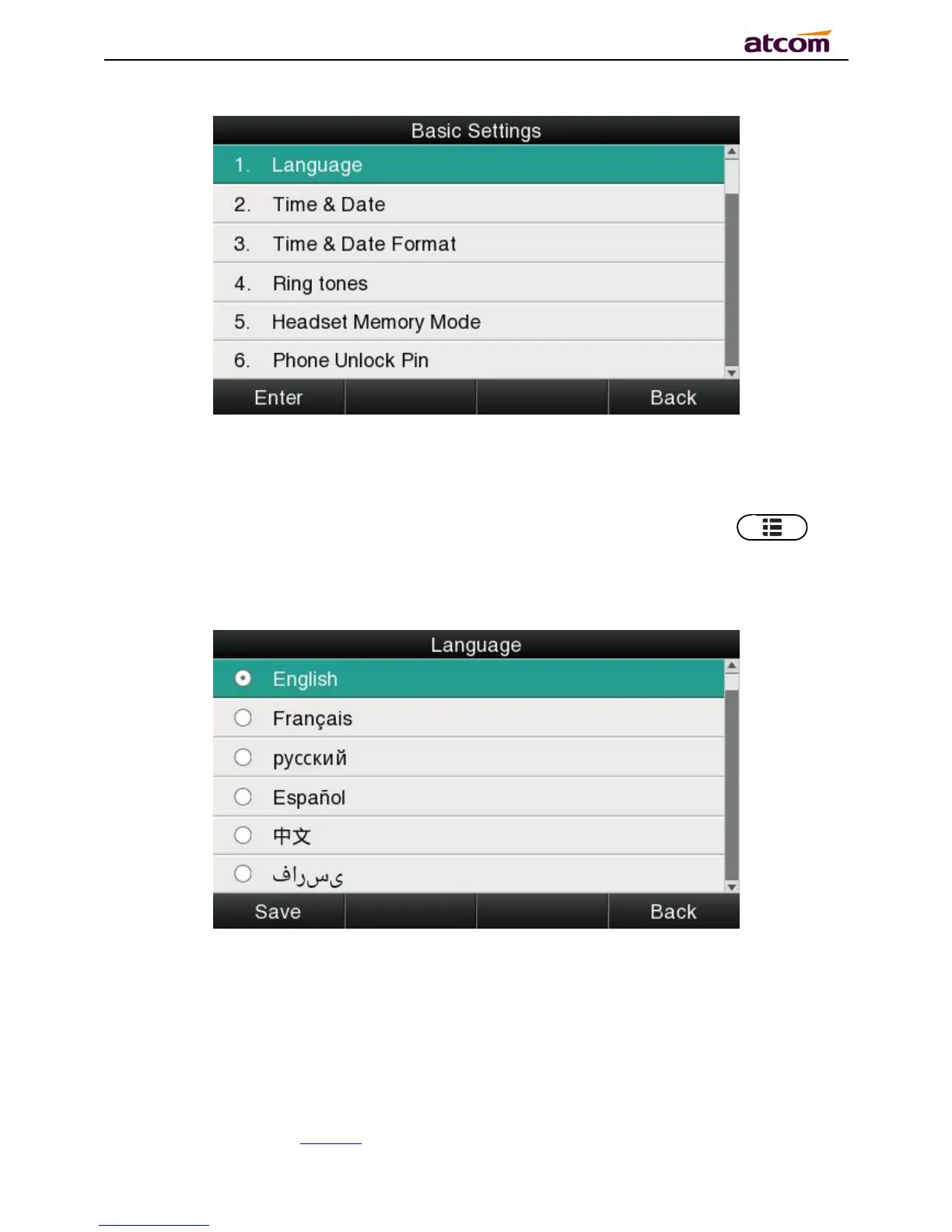
A68(W)supports multiple language,to modify the language, please press the key →
Setting→Basic setting→Language→Select the target language and press the soft key
“Save”.
Set language via web:There is a drop-down box at the top left corner of webpage,choice one
kind of language and click, the language will take effect immediately.



 To Next Page