A68(W) IP Phone User Manual
ATCOM TECHNOLOGY CO., LIMITED www.atcom.cn58
2. Time &Date
Time & Date will be displayed at the standby page of A68(W),and these info will be related
with all process of IP phone. “Time & Date” can be gained by NTP Server automatically or set
manually.
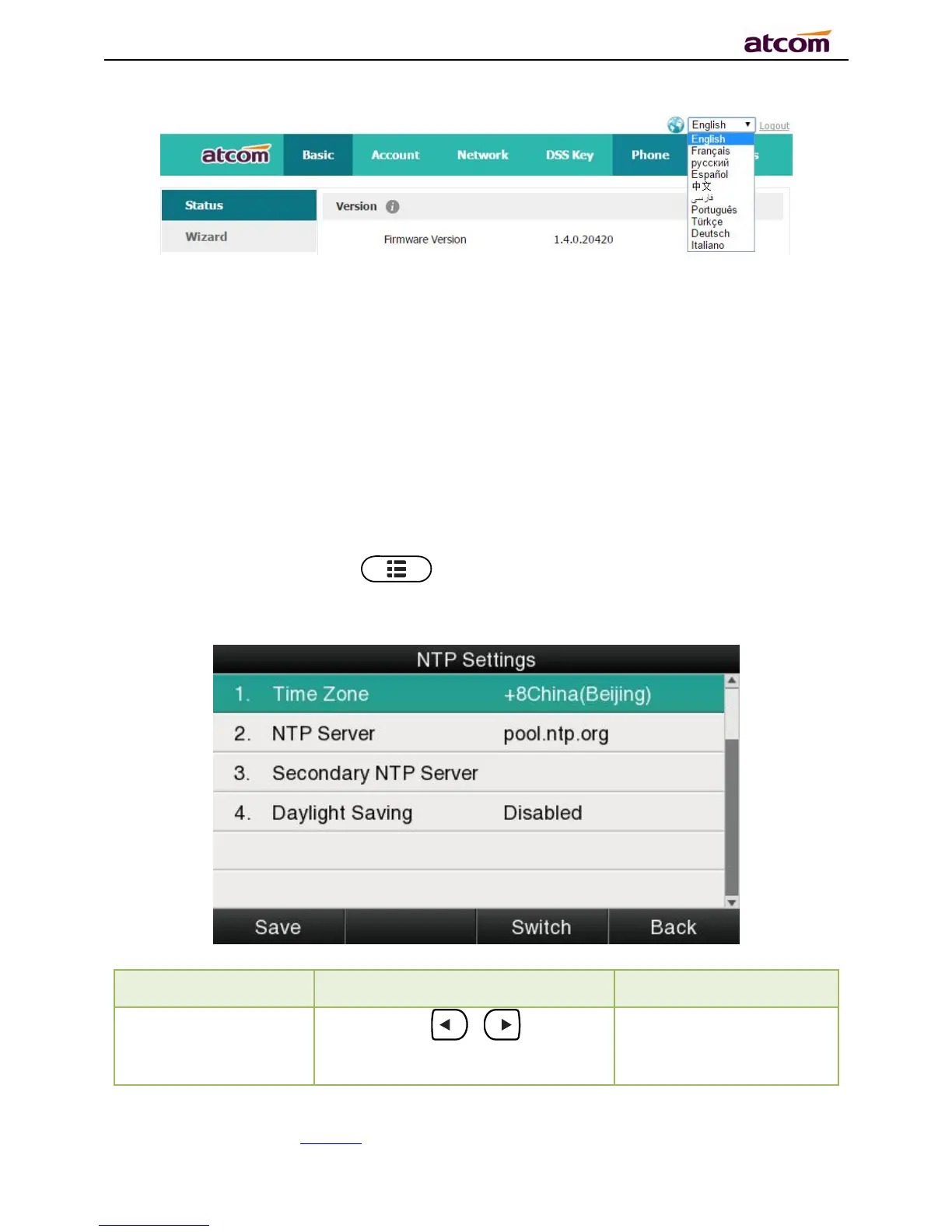
NTPSetting
Path to set on the phone:Press →Settings→Basic Settings→Time & Date→NTP
Settings.



 To Next Page