A68(W) IP Phone User Manual
ATCOM TECHNOLOGY CO., LIMITED www.atcom.cn23
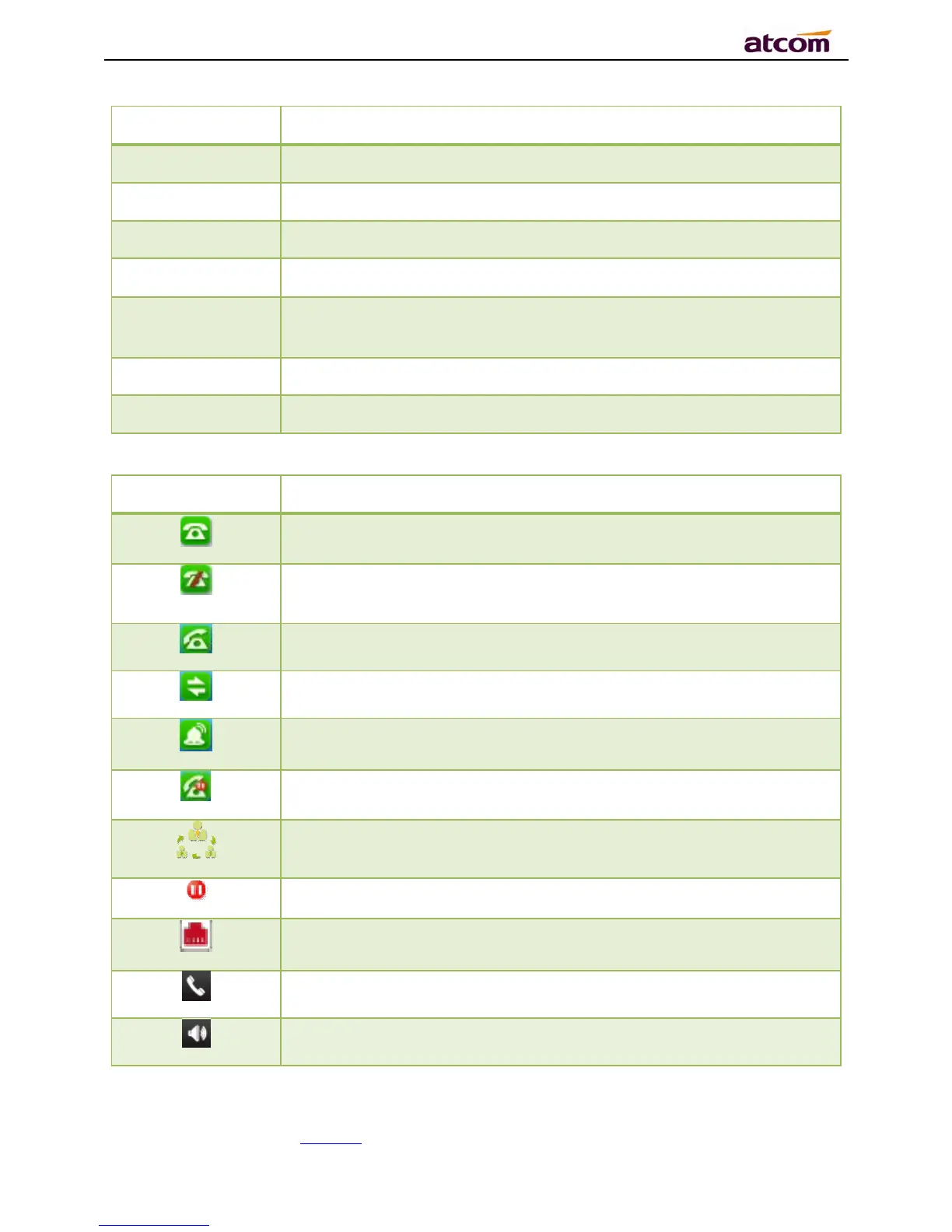
Status: to indicate the call status
Missed calls, Call Forward (on) and
Network Status (unavailable).
The account is registered successfully, and displayed in the Area 7.
The account is not registered successfully, and displayed in the Area
7.
for dialing, and displayed in the Area 7.
The line is on calling, and displayed in the Area 7.
, and displayed in the Area 7.
, and displayed in the Area 7.
way conference calling, and displayed in the calling UI
and displayed in the calling UI.
and displayed in the Area
and displayed in the Area
, and displayed in the Area 1.



 To Next Page