A68(W) IP Phone User Manual
ATCOM TECHNOLOGY CO., LIMITED www.atcom.cn76
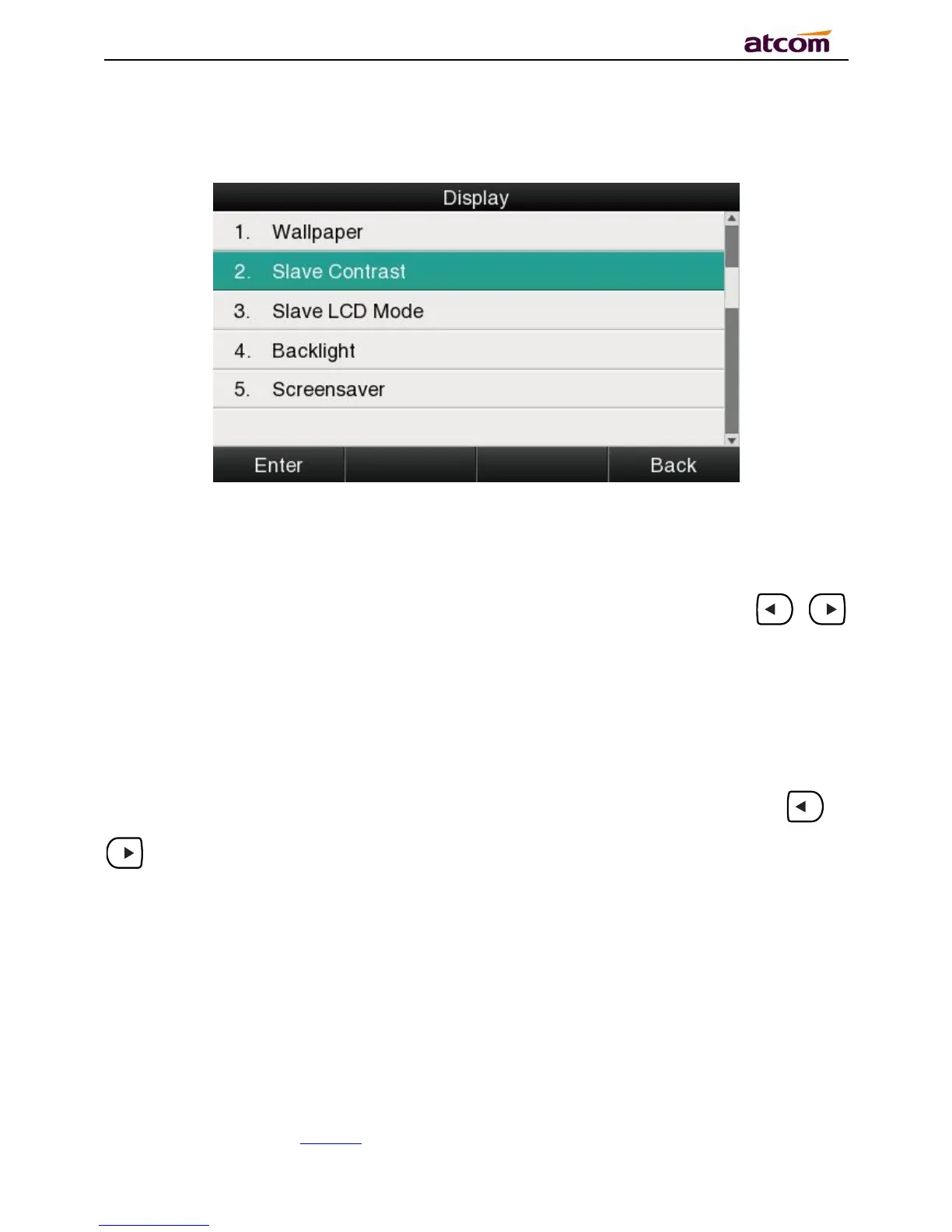
For more convenient, users are able to adjust the contrast grade and backlight of the main
LCD display and the BLF LCD display.
1、Wallpaper
There are 5 different wallpapers for options,press the soft key “Switch” or the key 、
formodification.
2、Slave Contrast
There are 9 different contrast grades for options,press the soft key “Switch” or the key 、
for modification,6 is the default value.



 To Next Page