EasyManua.ls Logo

ATCOM A68w - Page 90

ATCOM A68w
96 pages
Print Icon
To Next Page IconTo Next Page
To Previous Page IconTo Previous Page
Loading...
A68(W) IP Phone User Manual
ATCOM TECHNOLOGY CO., LIMITED www.atcom.cn90
Iten
Description
Sample
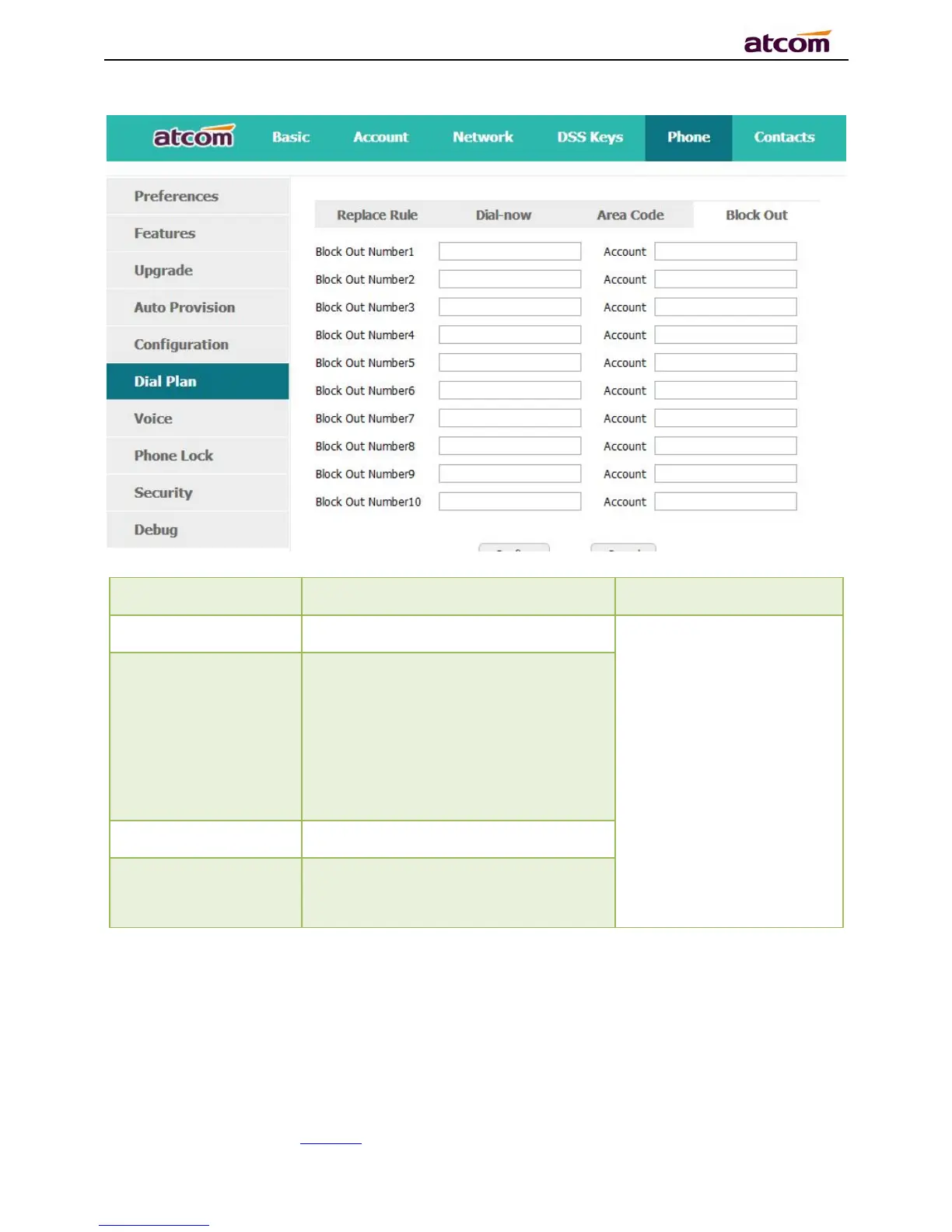
Block Out Number
T
he number that
prohibited
Set “Block Out Number
1”as“10086”
Set “Account” as “2,4,6”
It means the phone will
enter the “Call End” UI
when dial “10086” with
account 2, 4 or 6
Accounot
The account to apply this dial plan,
blank or 1 to 6 is valid. Number 1 to 6
means account 1 to 6. If you want to
apply this rule to account 13 and
4,just type in 1,3,4;And if keep it as
blank, it means applying this dial plan
to all accounts

Confirm
Apply this dial plan
Cancel
Recover all input fields to the state
that saved at latest time

Related product manuals