AT-610
User Manual
ATCOM TECHNOLOGY CO. , LIMITED
8.5.
8.5.
8.5.
8.5. Call
Call
Call
Call Log
Log
Log
Log
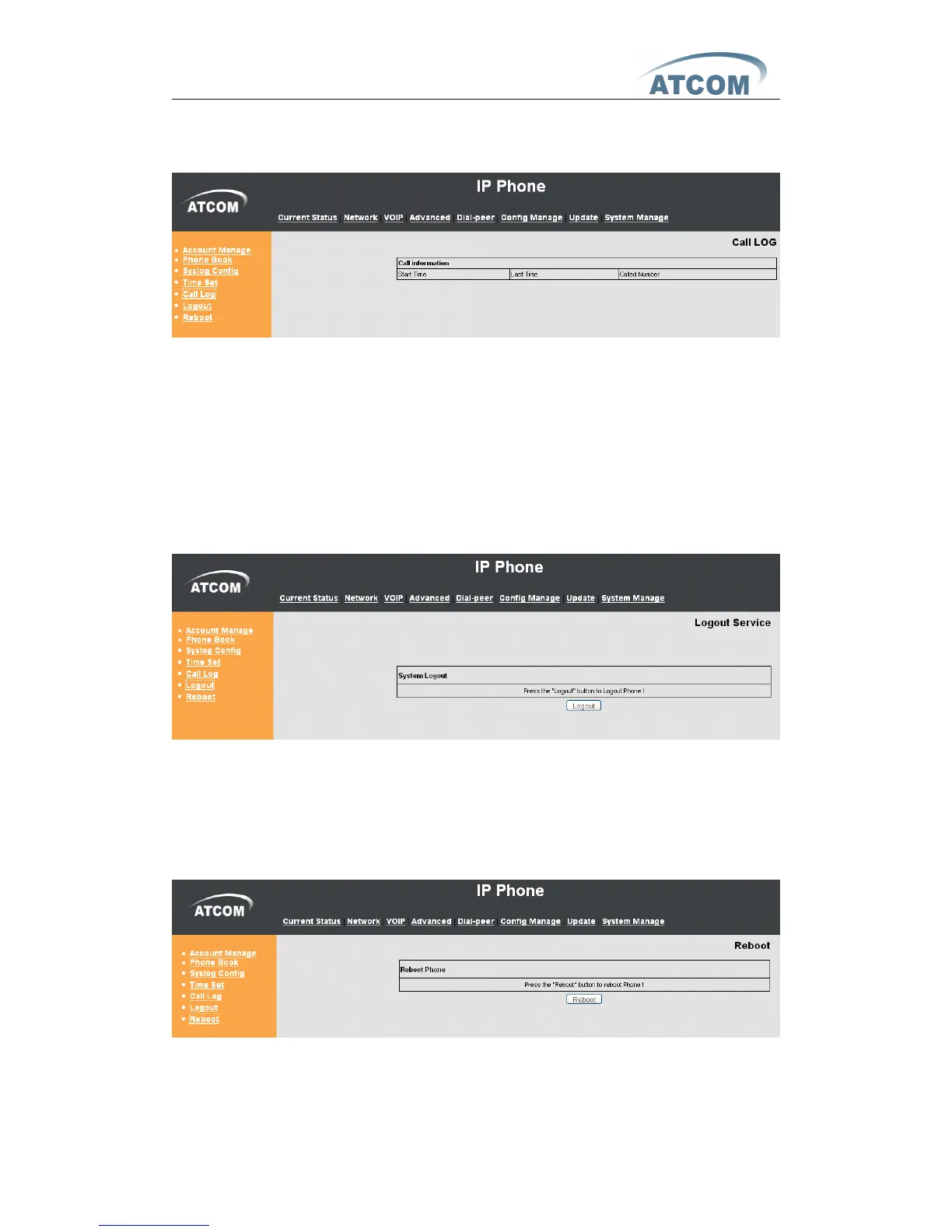
Start Time : Display starts time of the outgoing record.
Last Time : Display conversation time of the outgoing record.
Called Number : Display the account/protocol/line of the outgoing record.
Notice:
Notice:
Notice:
Notice:
It will cover existing automatically if the call log table has the new record.
8.6.
8.6.
8.6.
8.6.
Logout
L og out the configuration mode. I f you want to re-configuration the phone,
need to input the user and password to login again.
8.7.
8.7.
8.7.
8.7. Reboot
Reboot IP phone, some setting needs to reboot to make it works. Please
always save config before reboot, otherwise the setting will return to previous
setting.



 To Previous Page