AT-610
User Manual
ATCOM TECHNOLOGY CO. , LIMITED
11
11
11
11
、
Installation
Installation
Installation
Installation
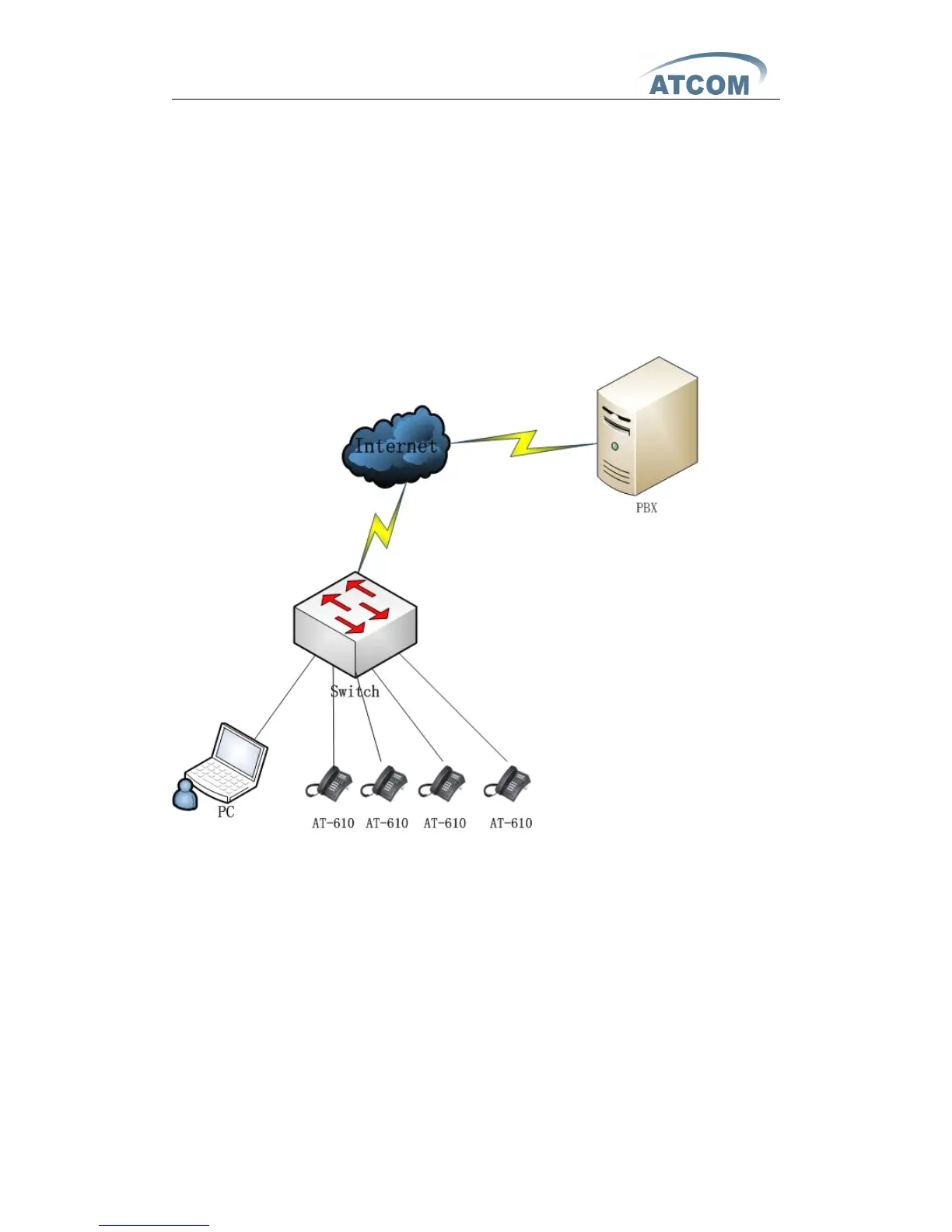
Use Ethernet cable to connect
AT-
610
’
s LAN port and your computer. Set
computer
’
s IP to the network 192.168.1.x or using dynamic obtain
IP.
Press
"Info" button on AT610 keypad several times,user can see the Gateway,Phone
number(NULL) and IP address. Open web browser and key in the ip address,
user will see the logon page of
AT-
610 , the default username and password is
admin/admin for administrator and guest/guest for guest.
Set
Set
Set
Set up
up
up
up page
page
page
page for
for
for
for VoIP
VoIP
VoIP
VoIP use
use
use
use r
r
r
r only:
only:
only:
only:
2nd
2nd
2nd
2nd 、 Feet
Feet
Feet
Feet installation
installation
installation
installation instruct
instruct
instruct
instruct ion
ion
ion
ion
1 、 D esktop position :
A 、 P ut the bottom side of the IP phone upside and p ress the plate with letter “ PUSH ” into
the slot, please refer the picture as below:



 To Next Page