You can reserve an IP address so that it is always assigned to the same connected device. Every
reserved IP address must be within the range of IP addresses used by DHCP.
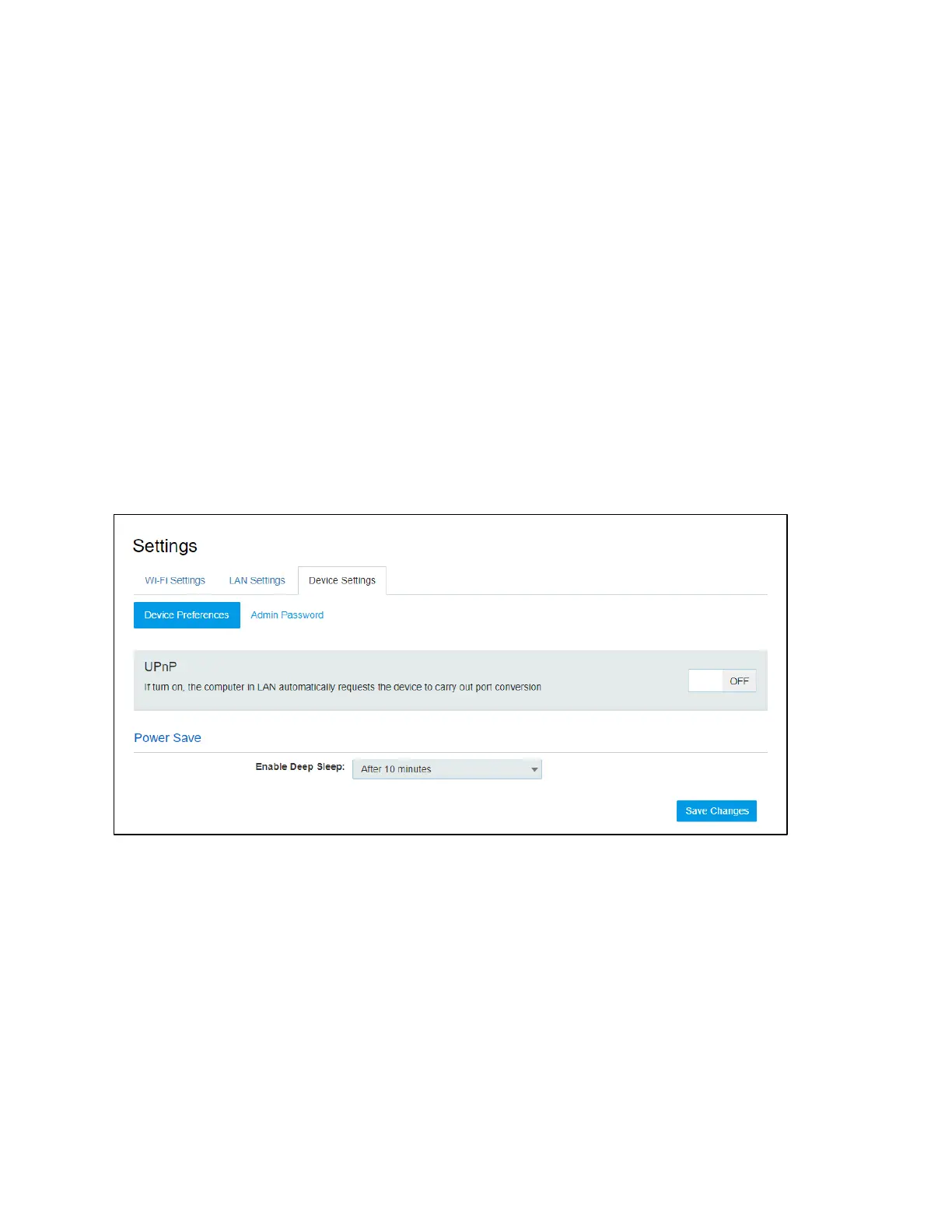
Device Settings
Device Preferences
• UPnP (Universal Plug and Play):
UPnP (which stands for Universal Plug and Play) is a feature that allows the devices on your home
network to discover each other and access certain services. If you don't use applications that need
port forwarding, such as peer-to-peer applications, game servers, and many VoIP programs, you
may be better off disabling UPnP entirely.
• Enable Deep Sleep:
The device will enter deep sleep after a period of inactivity. Select the desired time period to enter
deep sleep.
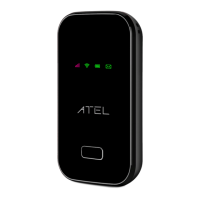
If no Wi-Fi device connects to your W01 Arch for more than the time set in Power Save, it’s required
to press the power button to reactivate the Wi-Fi for connection.
Admin Password
! Admin Password:
The Admin Password is used to sign in to this Online Device Management Portal. To change the
password, you must enter the current Admin Password. You will be locked out after 5 incorrect
password attempts. You will need to restart the W01 Arch and enter the Online Portal again.


 To Next Page