Using Your W01 Arch after Setup is Complete
Mobile Hotspot to Share Connections
You can use your W01 Arch as a wireless Mobile Hotspot to connect to a total of 15 Wi-Fi capable
devices to the mobile broadband network.
Wi-Fi and Mobile Hotspot (http://192.168.0.1) Security and Password
The W01 Arch comes from the factory with security turned on. By default, Mobile Hotspot username
and password is ‘admin’. Your Mobile Hotspot password is always ‘admin’ unless you change it in the
Mobile Hotspot Online Device Management Portal (Online Portal).
You can create your own Mobile Hotspot password by signing into the Mobile Hotspot Online Portal.
Once the password is changed, you will need to use the new password to logon.
To change your Mobile Hotspot Online Portal password:
! Connect your Wi-Fi capable device to your W01 Arch.
! Open a web browser and enter https://192.168.0.1 or http://192.168.0.1.
Updating Your W01 Arch Software
Your W01 Arch checks for software upgrade availability every 24 hours. When a new version is
detected, the device will download the new version and begin the upgrade automatically.
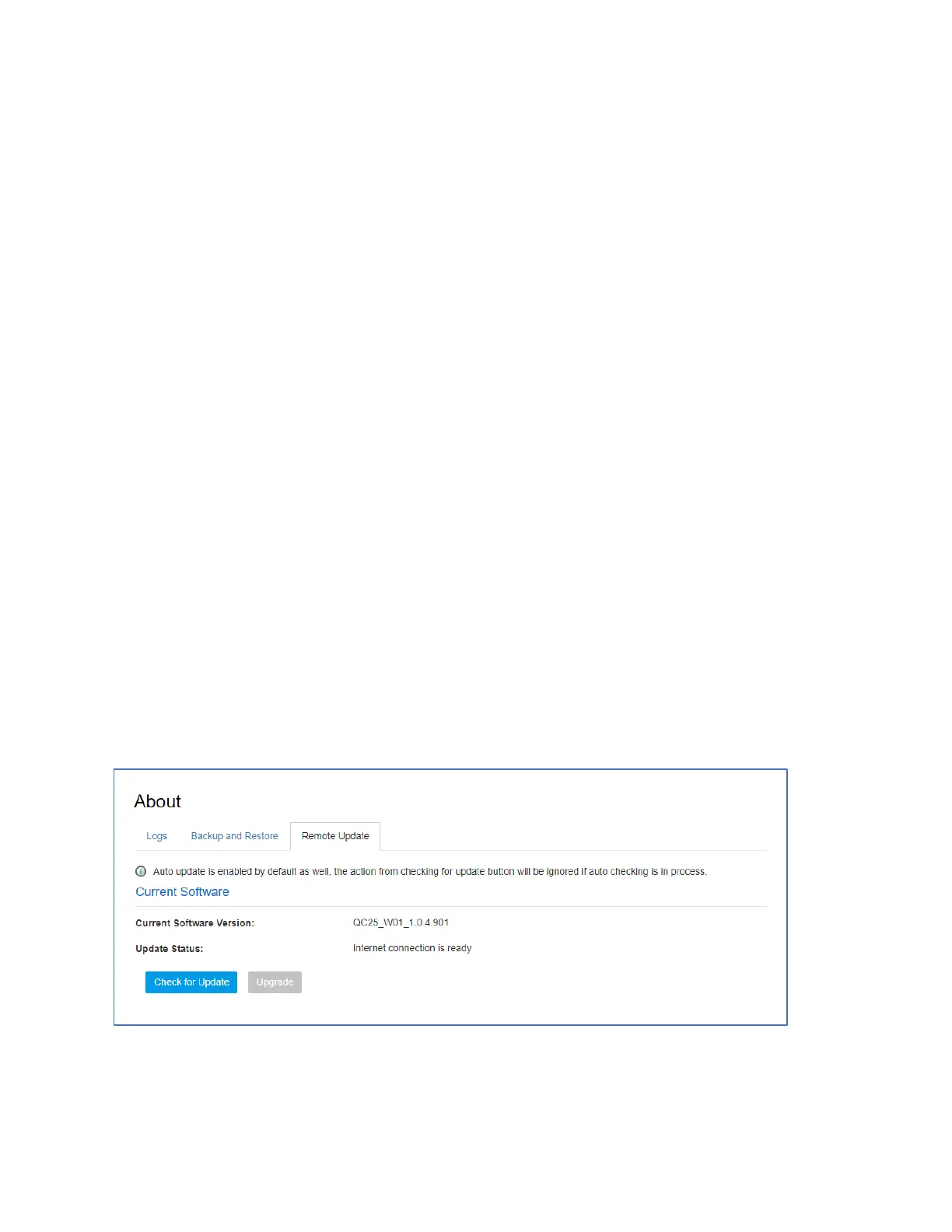
You can also check for software upgrade availability manually through your W01 Online Portal >
About > Remote Update. Note: Prior to a manual upgrade, please make sure the battery level is
higher than 35%. Loss of power during the upgrade could damage the device.
Click the “Check for Update” button. If a new software version is detected, the “Upgrade” button will
become active (blue color).


 To Next Page