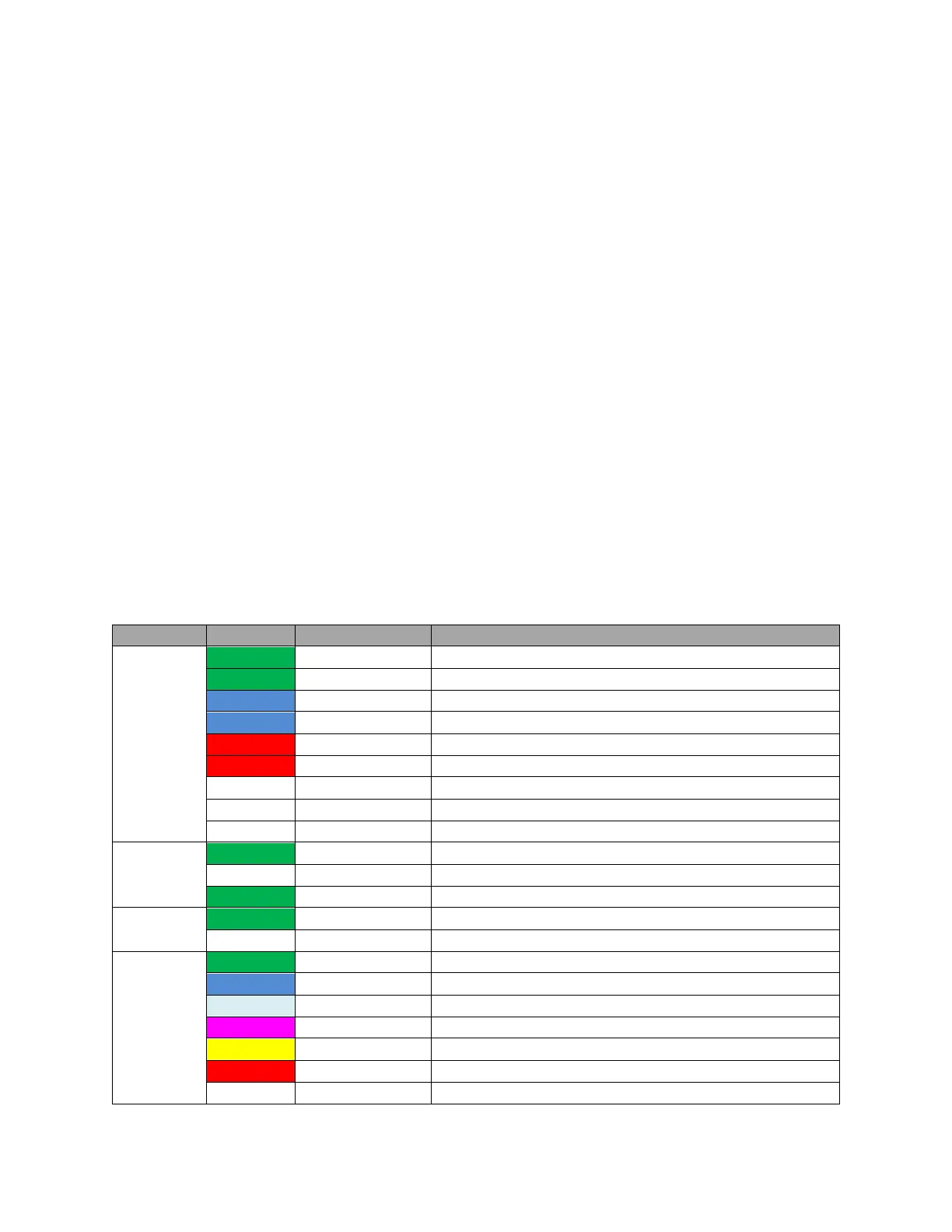
Key
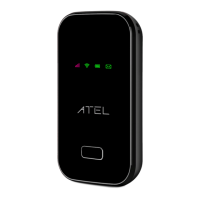
Power Button
Power on/off for the W01 Arch. Press power key twice quickly to wake up Wi-Fi from the Sleep
mode.
Type C Charging Port
The USB charger connects here.
Battery
Insert the battery to align with the battery contacts.
Reset Pin Hole
To perform reset of your device, use a unfolded paperclip, insert into the RST pin hole, and push
down for 3 seconds, then release.
SIM Card
Remove the battery cover from the back of your W01 Arch and remove the battery.
Slide the SIM door open and insert your SIM. Makre sure the SIM is placed properly before sliding
the door back up to close the SIM door.
LED Indicator
Battery level _ high, capacity > 65%
Charging, Battery level _ high
Battery level _ Mid, , capacity 35%~65%
Charging, Battery level_Mid
Battery level _ Low capacity < 35%
Charging, Battery level _ Low
WiFi connected with a WiFi Client
On 1S, off 1S, during WPS is enabled
Represents 5-bar signal strength
Represents 4-bar signal strength
Represents 3-bar signal strength
Represents 2-bar signal strength
Represents 1-bar signal strength
Means error, no SIM or no internet connection


 To Next Page