Common Problems and Solutions
1. W01 Arch just powered off without pressing the Power/Menu button. Why?
This may occur under Battery depletion.
To restore power, manually press and hold the Power/Menu button to turn on your W01 Arch. If the
battery is depleted, charge the battery with the AC charger provided.
IMPORTANT! If the power button will not start your W01 Arch (after charging), please try Power Reset
(see How do I perform a Power Reset on W01 Arch? below).
2. How do I perform a Power Reset on W01 Arch?
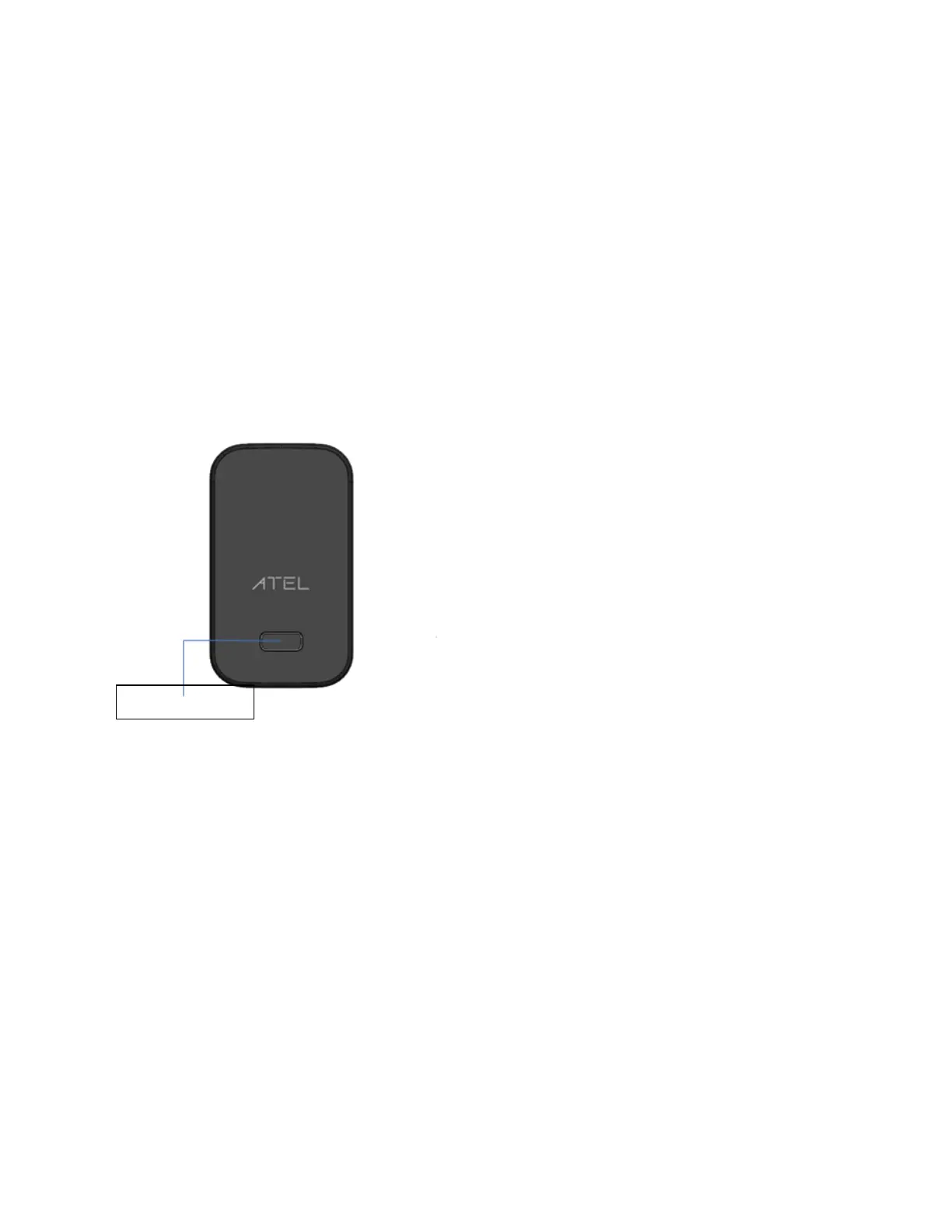
Using the power button: Press and hold the power button for 10 seconds until the W01 Arch restarts.
By replacing the battery: If pressing and holding the power button for 10 seconds does not restart
the W01 Arch, open the battery cover, take out the battery and re-install the battery after 5 seconds.
Put the battery cover back and turn on the W01 Arch by pressing the power button.
3. How do I perform a Device Reset using the RST pin hole?
Using the reset pin hole : Remove the back cover. Make sure the battery is installed and your W01
Arch is powered on. Use a unfolded paper clip, insert it into the RST pin hole and push down for 3
seconds, then release. Your W01 Arch will perform the reset and restart automatically.


 To Next Page