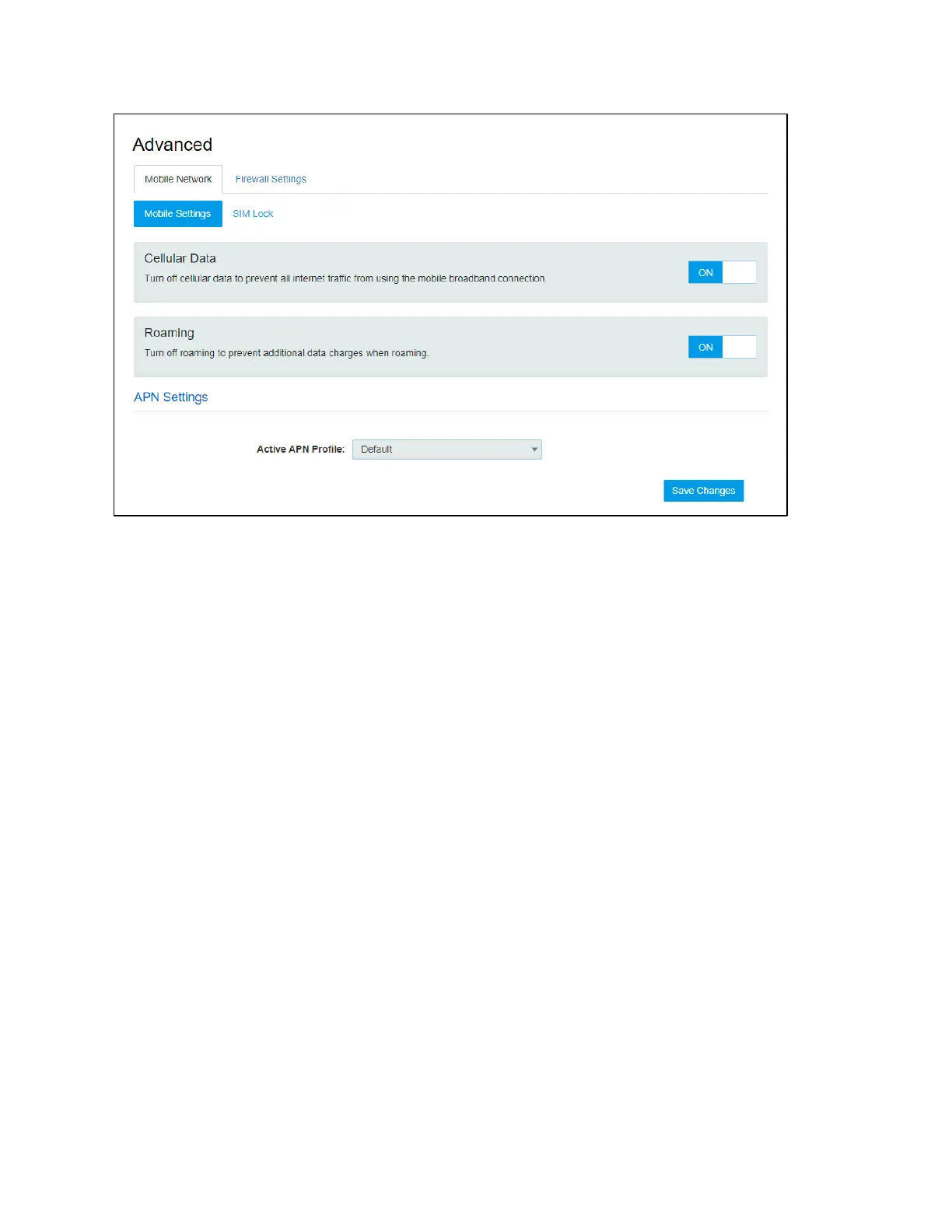
Mobile Settings
! Cellular Data
Turn off cellular data to prevent all internet traffic from using the mobile broadband connection.
! Roaming
Turn Data Roaming on or off. Turn it ON to require confirmation before connecting to the roaming
network.
! APN Settings
You can use the default APN to connect to the Internet. You can also add new APNs.
SIM Lock
For additional security, the SIM card inside your W01 Arch Hotspot may be locked with a PIN code.
When locked, the PIN code must be entered before the W01 Arch will connect to the internet. The
default PIN is available from your service provider.
If the PIN Lock feature is ON, you will need to enter the SIM PIN every time the W01 Arch is powered
on.


 To Next Page