EasyManua.ls Logo

Atlantic GALAPAGOS - User Manual

Atlantic GALAPAGOS
39 pages
Go to English
Print Icon
To Next Page IconTo Next Page
Loading...
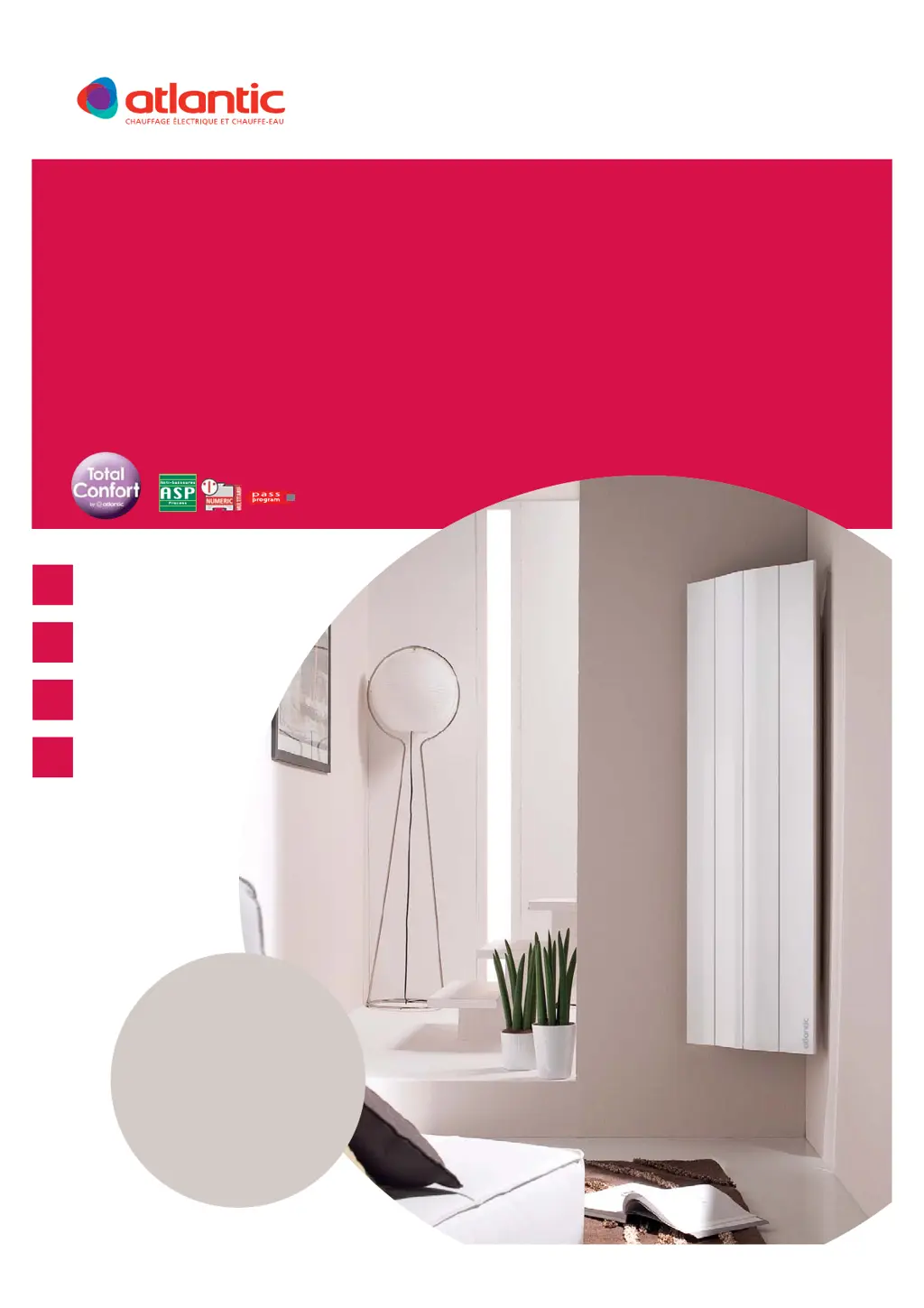
GALAPAGOS
Operating manual / Manual de utilización / Manual do usario
F
GB
SP
P
GUIDE À CONSERVER
PAR L’UTILISATEUR
Manuel must be kept by end user
Guía que deberá ser conservada
por el usuario
Guia a conservar pelo usario
RADIATEUR CHALEUR DOUCE À INERTIE
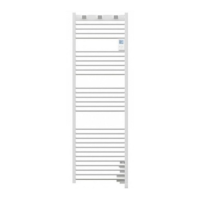
VERSIONS VERTICALES
Gentle heat inertia radiator / Vertical versions
Radiador de calor suave de inercia / Versiones verticales
Radiador de calor moderado de inércia / Versões verticais
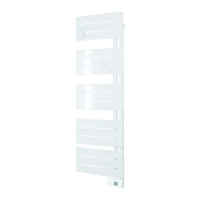
Photo non contractuelle - Support kit d’angle en option
DIGITAL
NOTICE D’UTILISATION ET D’INSTALLATION

Questions and Answers

  • W
    William HerreraAug 15, 2025
    What to do if my Atlantic Heater does not heat?
    • R
      Robert GrayAug 15, 2025
      If your Atlantic Heater isn't heating, first ensure that the mode is activated. If you're using a programmer, verify that it's in COMFORT mode. Check that the installation’s circuit breakers are engaged and that the power cut-off hasn't disabled the device. Finally, check the room's air temperature; if it's too high, the heating icon won't appear, and the device won't heat.
  • H
    Hannah AguilarAug 18, 2025
    How to increase the heat on my Atlantic Heater?
    • H
      halltashaAug 18, 2025
      If your Atlantic Heater isn't heating enough, try increasing the temperature settings using the + key. If it's already at the maximum, consider these points: - Check for other heating devices in the room. - Ensure the heater is only heating the intended room by keeping the door closed. - Check the supply voltage to the device. - Verify that the heater's power output is suitable for the room size, with a recommendation of 100W/m² for a 2.50 m ceiling height.
  • K
    Karen RussellAug 21, 2025
    Why does my Atlantic GALAPAGOS heat all the time?
    • K
      Kevin JonesAug 21, 2025
      If your Atlantic Heater is constantly heating, it might be due to a fluctuation in the main power supply. Ensure the device isn't in a draught or that the temperature setting hasn't been altered. If you suspect a problem like a blocked thermostat, cut off the power to the device (fuse, circuit breaker) for about 10 minutes, then switch it back on. If this issue happens often, have your electricity utility check the power supply.
  • M
    martinjoshuaAug 25, 2025
    Why is my Atlantic GALAPAGOS's surface very hot?
    • C
      Christopher MiddletonAug 26, 2025
      It's normal for an Atlantic Heater to get hot during operation, with surface temperature limited by the NF electrical performance standard. However, if you feel your device is too hot, check if the output suits your room's area (100W/m2 is recommended). Also, ensure it's not in a draught, which can affect self-regulation, and that installation guidelines regarding curtains etc., have been followed.
  • J
    Jennifer VillarrealAug 28, 2025
    What to do if the room temperature differs from the display on my Atlantic GALAPAGOS?
    • W
      wongmorganAug 29, 2025
      Allow at least 6 hours for the temperature to stabilise on your Atlantic Heater. The temperature displayed may vary depending on the installation. If needed, you can calibrate the displayed temperature.
  • C
    Charles WilliamsAug 31, 2025
    Why is my Atlantic GALAPAGOS not responding to external programming commands?
    • B
      bandrewsAug 31, 2025
      If your Atlantic Heater isn't responding to external programming commands, ensure the central programming system is working correctly by referring to its user manual. Verify that the programming control is correctly placed in its holder and functioning, checking the batteries and fuse. Also, confirm that your heater is in Programming mode and the external “Centralised” program is assigned to the correct day.
  • R
    raymond90Sep 3, 2025
    What to do if my Atlantic GALAPAGOS heats even though the window is open?
    • S
      Sara McculloughSep 4, 2025
      There may be a delay between when the window is opened and when the heating stops on your Atlantic Heater. If this delay is too long, you can manually stop the device.
  • M
    Mikayla MeadowsSep 7, 2025
    Why do dirty marks appear on the wall around my Atlantic Heater?
    • M
      Mrs. Brenda WallerSep 7, 2025
      If dirty marks appear on the wall around your Atlantic Heater, it's likely due to poor air quality in the room. Ensure the room is properly aired with adequate ventilation, and maintain clean air by avoiding smoking. Note that these marks are not covered under the device's guarantee.
  • C
    cmcneilSep 12, 2025
    Why is the heating light flashing on my Atlantic GALAPAGOS?
    • A
      Abigail PattonSep 12, 2025
      If the heating light on your Atlantic Heater is flashing, it indicates that the temperature probe is either disconnected or faulty. Contact your installer for assistance.

Summary

Warning

Installation

Preparing the Installation of the Device

Guides on preparing the device for installation and connection.

Unlocking and Fixing the Hanging Frame

Steps for unlocking the device and fixing the wall mounting frame.

Fixing and Locking the Device Onto the Hanging Frame

Instructions for attaching and securing the device to the installed frame.

Connecting the Device

Operation

Control Box and Display Overview

Explains the digital control unit's buttons and various screen displays.

Use

Turning On, Standby, and Heating Modes

How to power on, use standby, and select Comfort, Eco, Prog, Frost modes.

Setting Day and Time

Guide to setting the device's internal clock and current day.

Assigning Daily Programs

Steps for assigning programs to each day of the week for automated heating.

Energy Saving Functions

Details on Frost Protection, Airing, Balance, and Consumption Indicator.

Locking the Controls

Instructions for locking and unlocking the control panel to prevent misuse.

Temperature Calibration and Reset

Adjusting displayed temperature and returning to factory settings.

Troubleshooting

Warranty Conditions

Atlantic GALAPAGOS Specifications

General IconGeneral
Control PanelDigital
Frequency50 Hz
FunctionsEco Mode, Frost protection
InstallationWall-mounted
Voltage230 V
Safety FeaturesOverheating protection

Related product manuals