20
Multiformat switcher MS-8 Reference Manual
InputX (RGB) 2/3
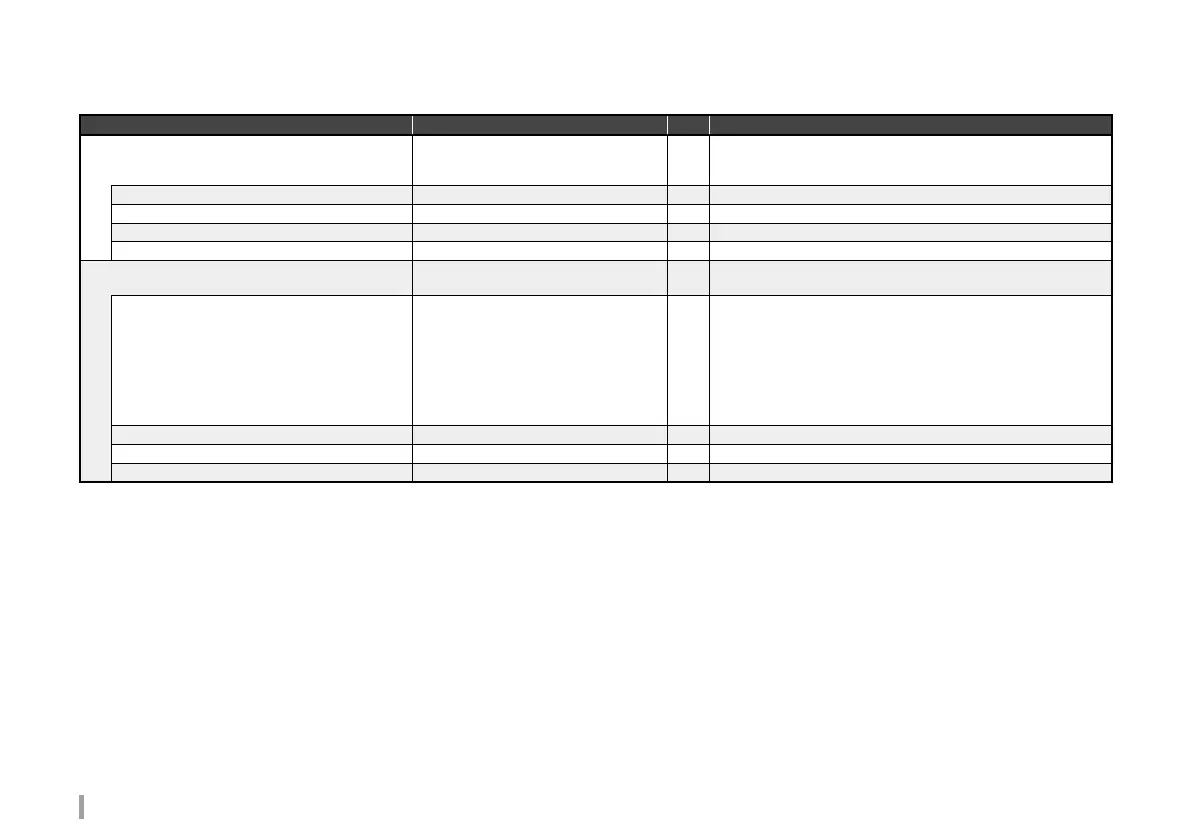
Parameter name Range Unit Remarks
AOI
RESET
Sets the input video effective region.
Video outside this region will be stripped.
Press reset to restore the initial value.
H size 0,,
[InHsize]
pixel Sets effective region width. *1
V size 0,,
[InVsize]
line Sets effective region height. *1
H position
0
,,[InHsize]-1 pixel Sets effective region horizontal position.
V position
0
,,[InVsize]-1 line Sets effective region vertical position.
Scaling
RESET
Sets the input video scale.
Press reset to restore the initial value.
Scaling Type
Full
,Box,Crop,Thru
Sets the input video aspect ratio.
Full: Input/output aspect ratios are ignored, and full-screen video is
used.
Box: Depending on differences between input and output aspect
ratios, there is an area masked in black.
Crop: The aspect ratio is preserved and part of the input video is
cropped.
Thru: Output without scaling.
Zoom 10,,
100
,,1000 % Sets the scale (magnification) for input video. *1
H position -2048,,
0
,,2048 pixel Adjusts the input video horizontal position. *2
V position -1200,,
0
,,1200 line Adjusts the input video vertical position. *2
*1 The maximum zoom is 12 times of the total processed pixel equivalent.
The minimum zoom is 1/12th of the total processed pixel equivalent.
*2 Adjustment is limited by the eective region.



 To Next Page