19
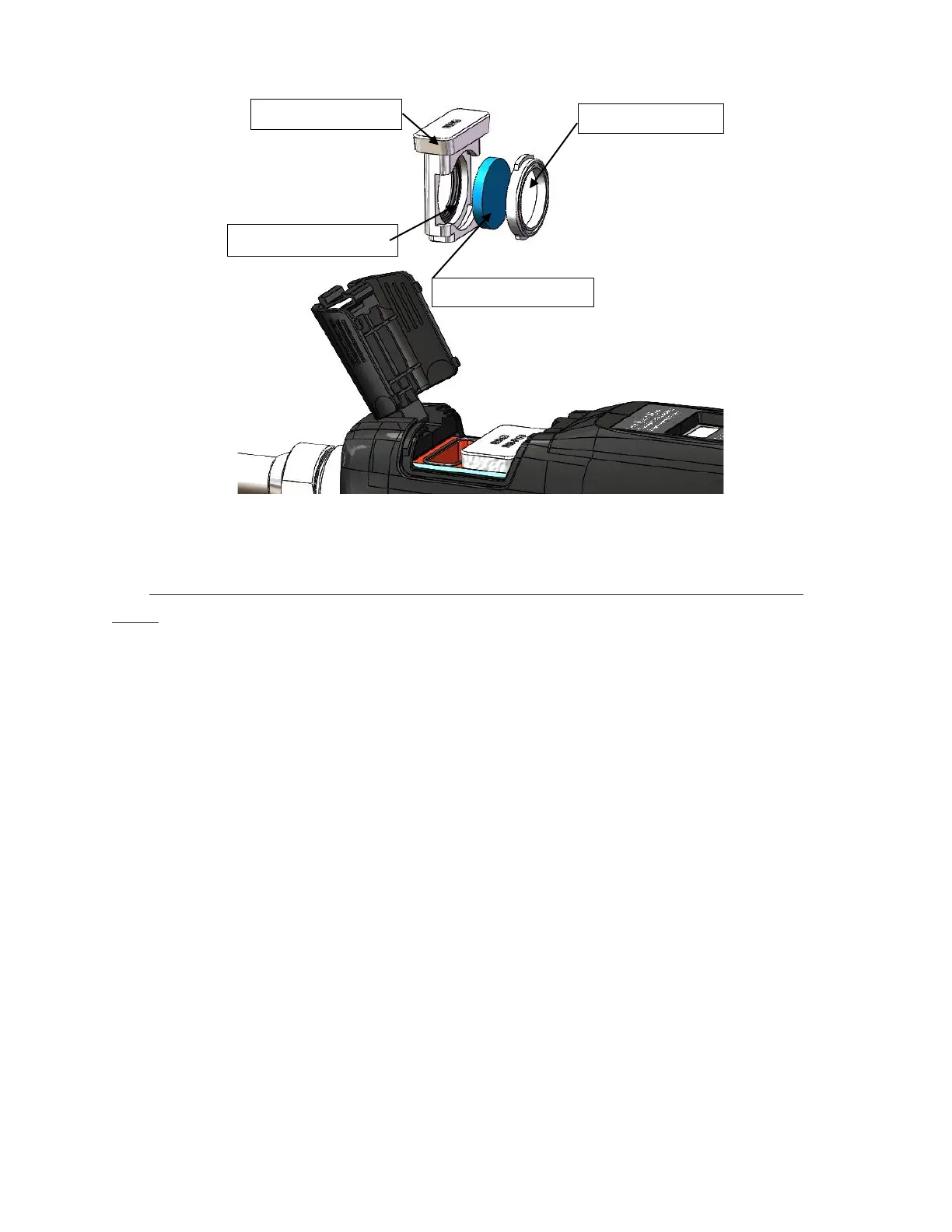
Picture 10 HW980 protective glass split diagram
■ Disassembly and assembly of the upper protective glass and focusing
lens:
(1)As shown in Figure 11, pinch both sides of the drawer-type lens
holder and slowly pull out the focusing lens drawer;
(2)Remove focusing lens: Carefully remove the 20.55 sealing ring; take
out the focusing lens D20-F150.
(3)Carefully remove the D20.55 sealing ring, and take out the protective
glass D20X3.
(4)Install the cleaned (or replaced) lens into the focus lens drawer;
(5)Reinstall the focusing lens cover and D20.55 sealing ring.
(6)Reinsert the focusing lens drawer back into the welding head.



 To Next Page