27
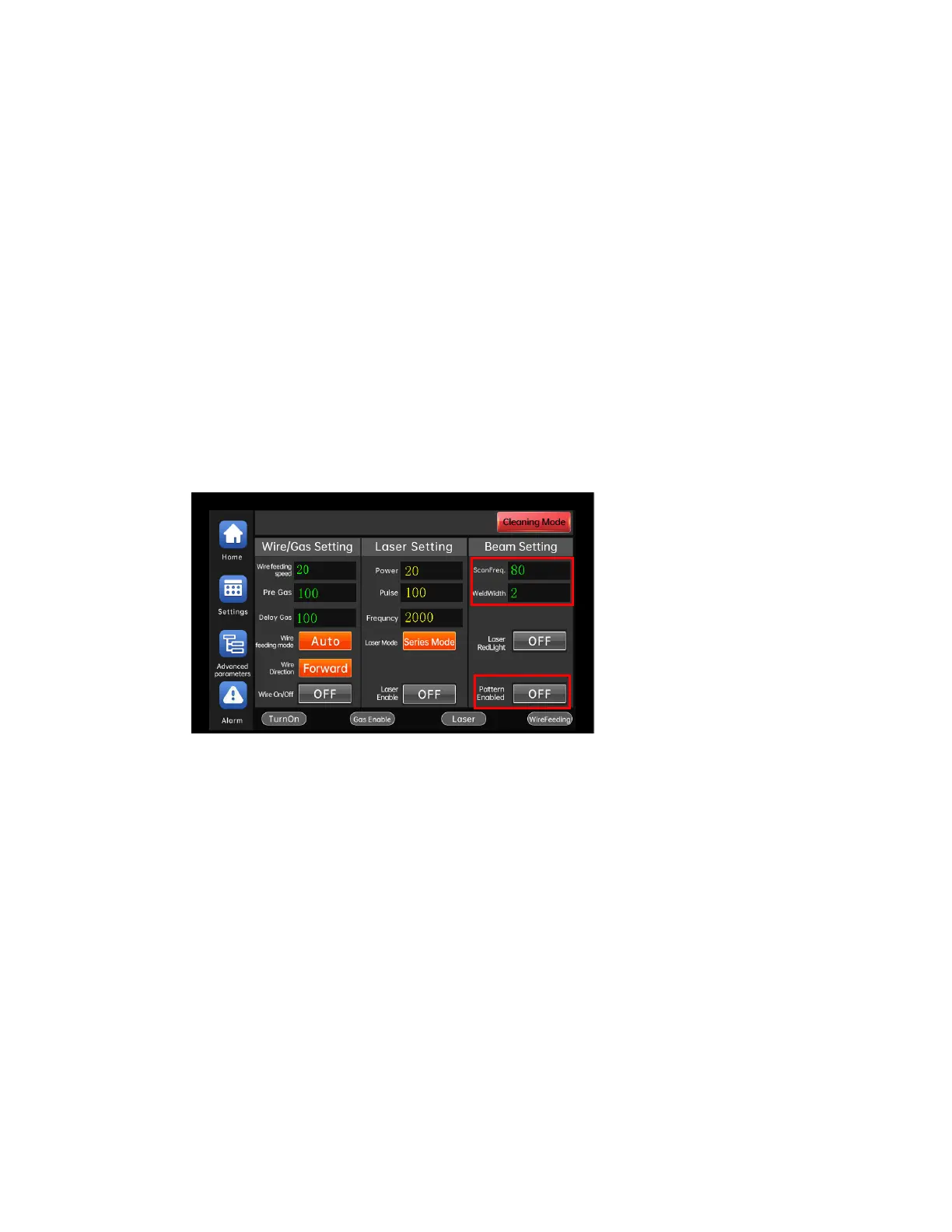
Adjusting the light spot size of the handheld laser
welding head
1) Set "WobbleFreq". The larger the parameter setting, the faster the spot
swing frequency.
2) Set "WobbleWidth". The larger the parameter setting, the greater the
swing amplitude of the spot.
3) Turn on the "LightSpot Wobbling". the light spot swings according to the "
WobbleFreq" and "WobbleWidth". Turn off the "LightSpot Wobbling" and the spot
stops swinging.
⚫



 To Next Page