48
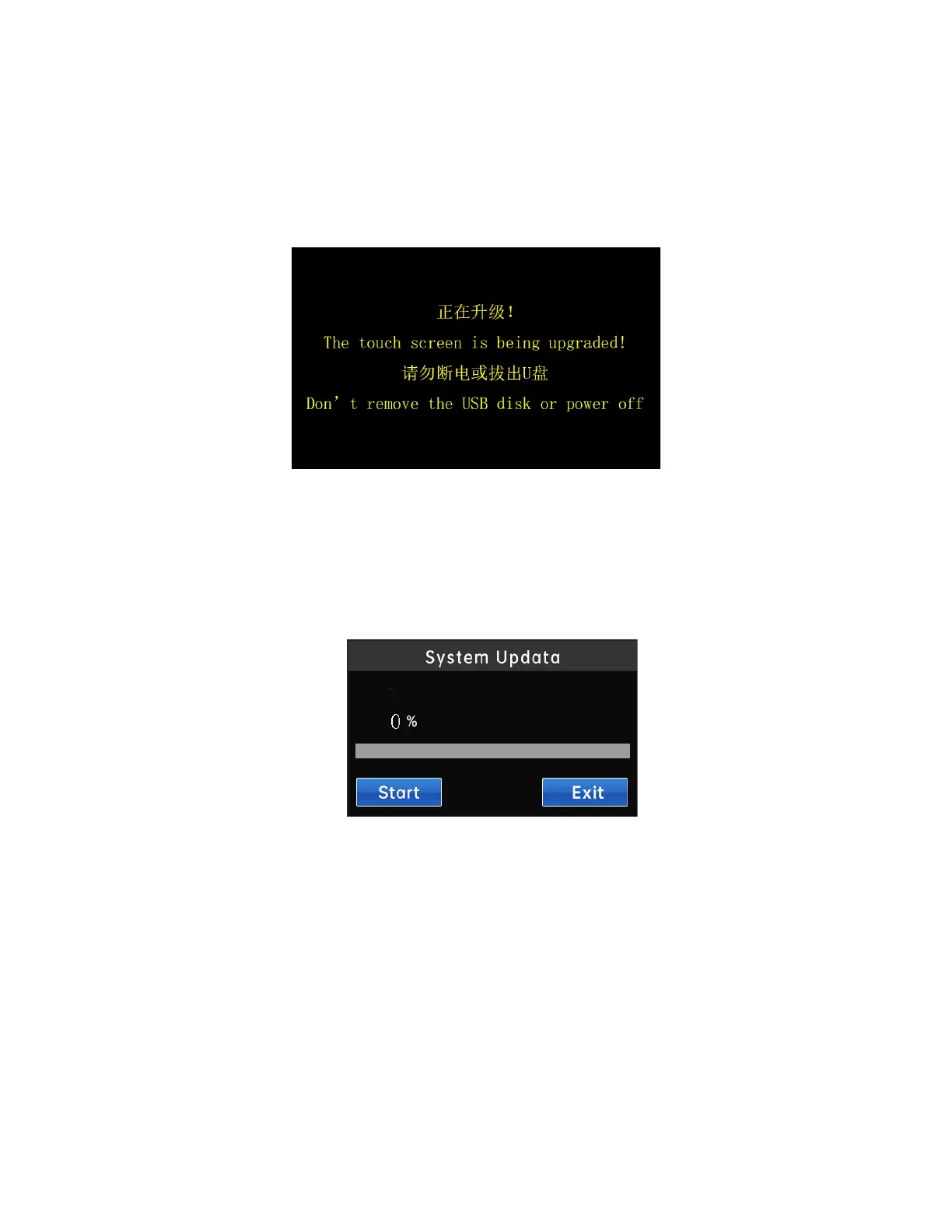
1. Insert the USB drive with updated files into the USB interface on
the back of the touch screen, wait for the screen to display the upgrading
interface, wait for the program upgrade to complete, and then unplug the USB
drive.
4.2 Controller program update
Click on the "Home" → "System Settings" → "System Upgrade" button to
enter the controller update interface, as shown in the following figure
Please follow the steps below to update the controller program:
1) After inserting the U disk with the updateable file into the USB port of
the controller, click the "Start Update" button. If an updateable file is
detected, the automatic update program will start. If there is no updateable
file in the U disk, it will prompt "No updateable file detected";



 To Next Page