2 MP-11x Hardware Installation
This chapter describes the MP-11x hardware installation.
2.1 Physical Description
The subsections below provide a physical description of the front and rear panels of the
MP-11x.
2.1.1 MP-11x Front Panel (LEDs Description)
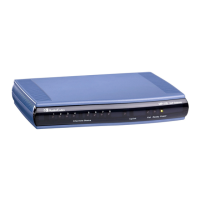
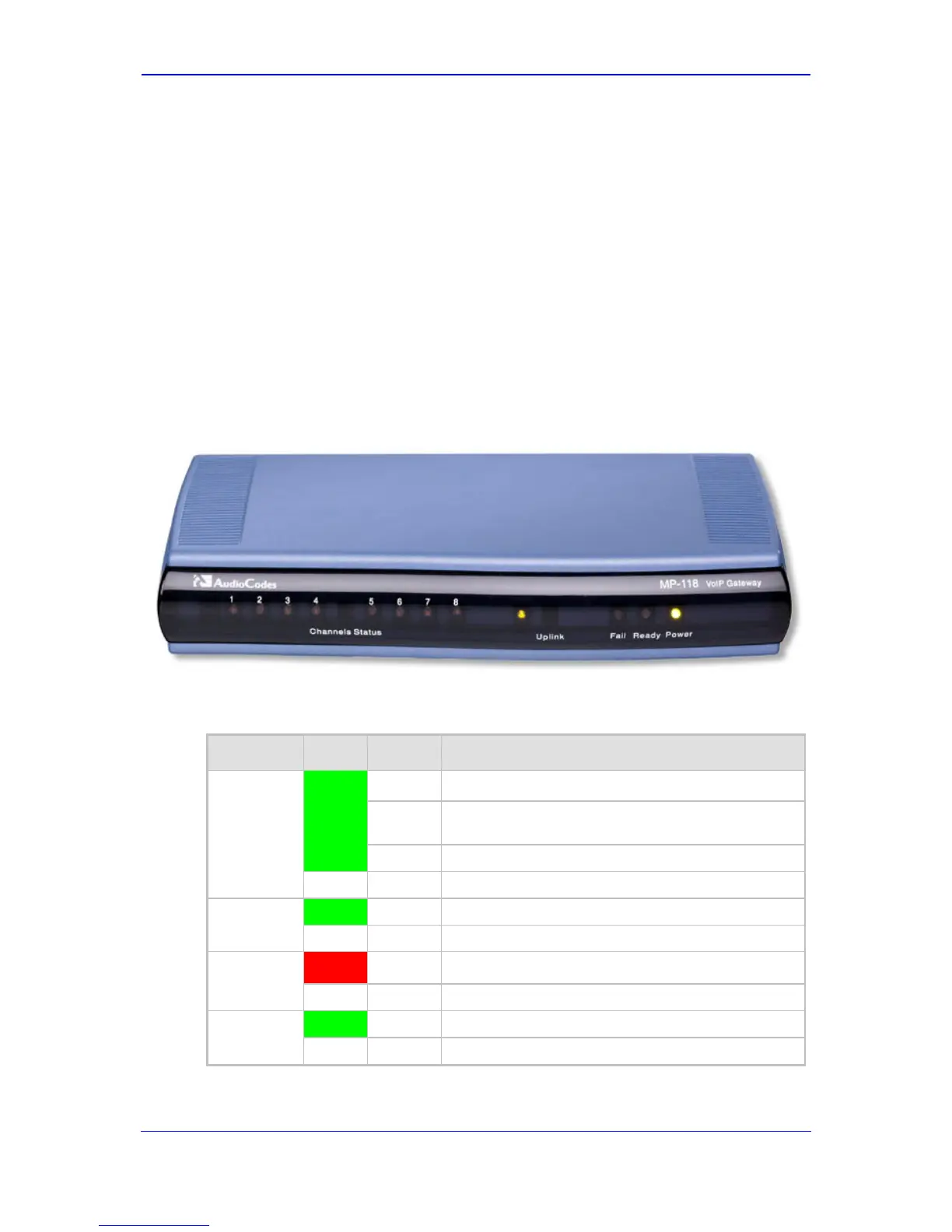
The device's front panel provides LEDs for indicating various operating statuses. The figure
below displays the front panel of the MP-118. This is similar to the MP-114 and MP-112
models, differing only in the number of Channel Status LEDs (corresponding to the
number of channels).
Figure 2-1: MP-11x Front Panel (e.g., MP-118)
The device’s LEDs are described in the table below:
Table 2-1: MP-11x Front-Panel LEDs Description
LED Color State Definition
Channels
Status
Green
Blinking Phone is ringing (incoming call, before answering).
Fast
Blinking
Line malfunction.
On Phone is in off-hook position or ringing.
- Off Phone is in on-hook position.
Uplink
Green On Valid 10/100Base-TX Ethernet connection.
- Off No Ethernet uplink.
Fail
Red On
Failure (fatal error) or system initialization.
- Off Normal working condition.
Ready
Green On Device powered up, self-test OK.
-
Off Loading software or system failure.



 To Next Page
 Loading...