Version 6.0 53 March 2010
Installation Manual 3. Configuring the Device
¾ To load an auxiliary file to the device:
1. Open the 'Load Auxiliary Files' page (Management tab > Software Update menu >
Load Auxiliary Files).
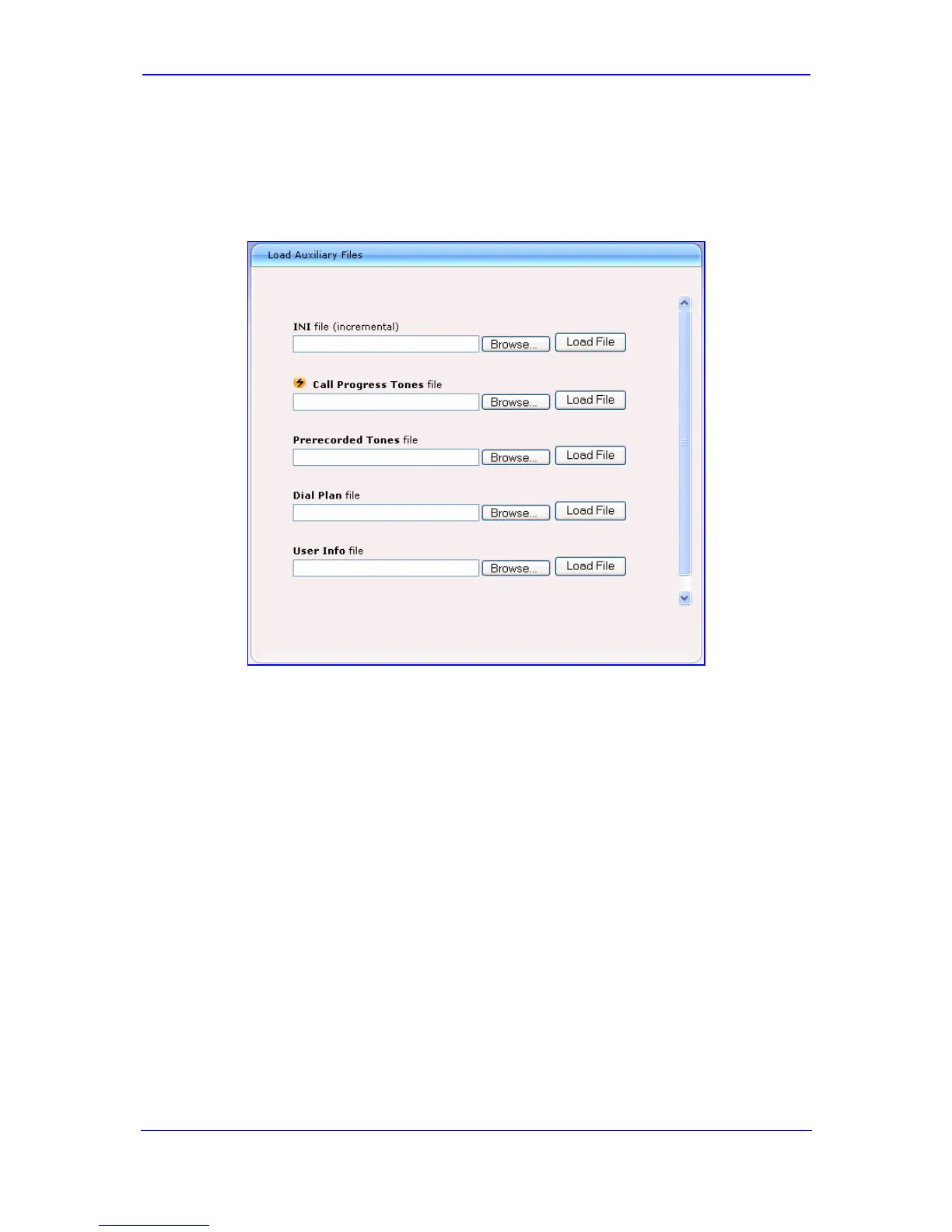
Figure 3-12: Load Auxiliary Files Page
2. Click the Browse button corresponding to the file type that you want to load, navigate
to the folder in which the file is located, and then click Open; the name and path of the
file appear in the field next to the Browse button.
3. Click the Load File button corresponding to the field that contains the file you want to
load.
4. Save to flash memory and reset (if required) the device (refer to 'Saving and Resetting
the Device' on page 44).










 To Next Page