Verifit
®
User's Guide Version 3.12
November 2015
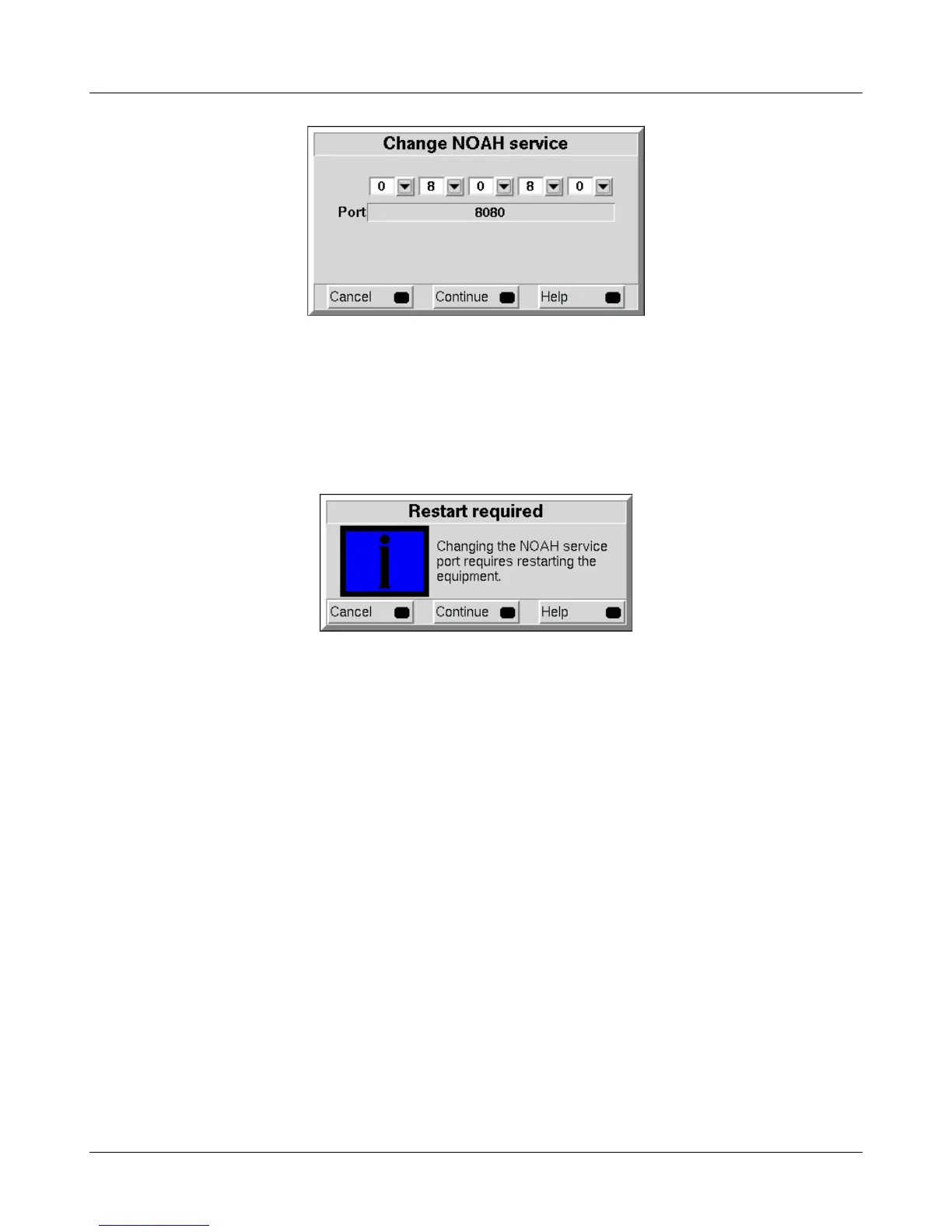
3. Select <Continue>.
4. You will be prompted to restart the equipment. Select <Continue> to restart, or <Cancel> to enter a different
port number.
Testing the NOAH service port
The Verifit provides the NOAH service using the HTTP protocol. Communication between the Windows PC
and the Verifit can be tested using an ordinary web browser.
1. On the Windows PC, enter the Verifit network address and port number into a web browser following this
example:
http://172.30.86:8080/noah
2. If the communication is successful, the web browser will display NOAH data formatted in XML:
<noah> Example XML </noah>
29



 To Next Page