Verifit
®
User's Guide Version 3.12
November 2015
13 On-Ear Measures Screen Setup
To accommodate your working preferences, the appearance of On-ear measurement screens may be changed in
several ways.
On-ear single or dual view
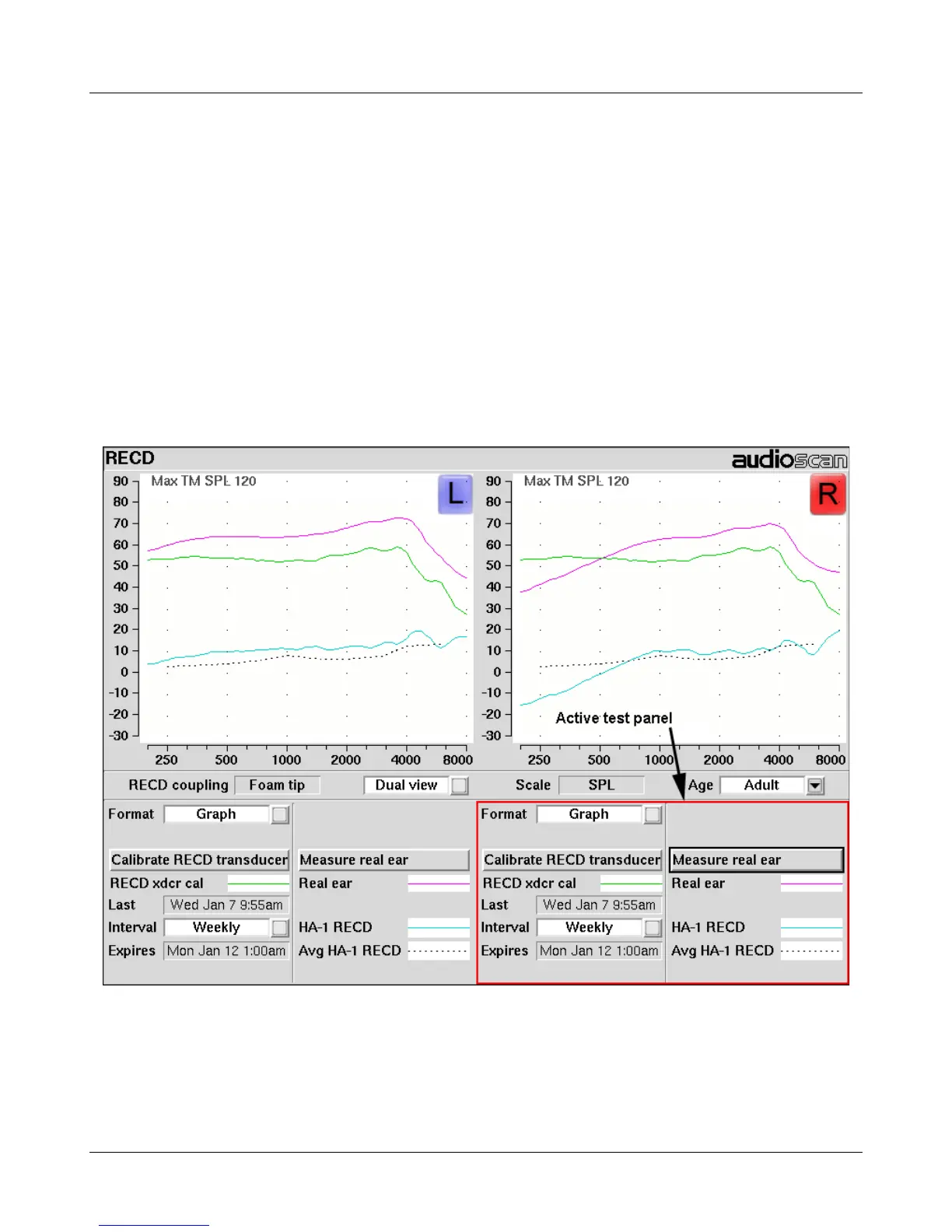
Most on-ear screens give you the option of selecting either a single, full-screen view or a dual, side by side
view. Some data may be dropped from the dual view.
To change the presentation, highlight, then <PICK> [Single view] or [Dual view].
To switch between left and right test panel in single view, press <Left/Right>.
To switch between left and right test panel in dual view, press <Left/Right> or left-click the mouse on a screen
button in the inactive test panel.
72



 To Next Page