Verifit
®
User's Guide Version 3.12
November 2015
Calibrating test box reference microphone
Remove any coupler from the coupler microphone before calibration.
1. Position the test box reference microphone opening concentric with the coupler microphone opening and
about 1 – 2 mm from as shown below.
2. Close and seal the test chamber.
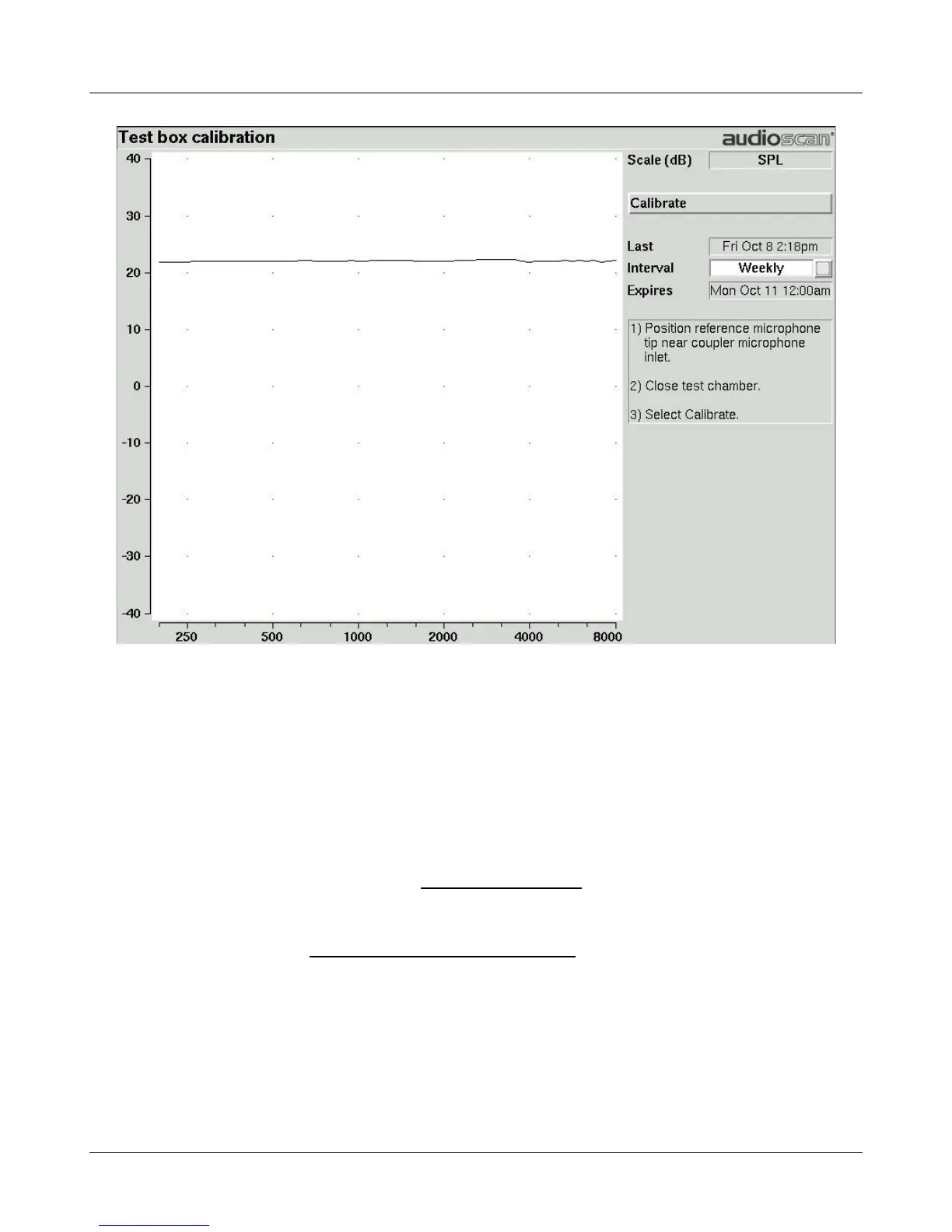
3. Press <Tests>, then highlight and <PICK> [Test box measures], then highlight and <PICK> [Calibration].
4. Highlight, then <PICK> [Daily] or [Weekly] to select the calibration interval.
5. Highlight and <PICK> [Calibrate]. See Test box calibration facts
It is recommended that you print a copy of the initial calibration curve and compare it with your daily or weekly
curve. Any change in this curve indicates a drift in either the coupler or the reference microphone which needs
further investigation. See Calibration check for coupler microphone for an additional check.
42



 To Next Page