Verifit
®
User's Guide Version 3.12
November 2015
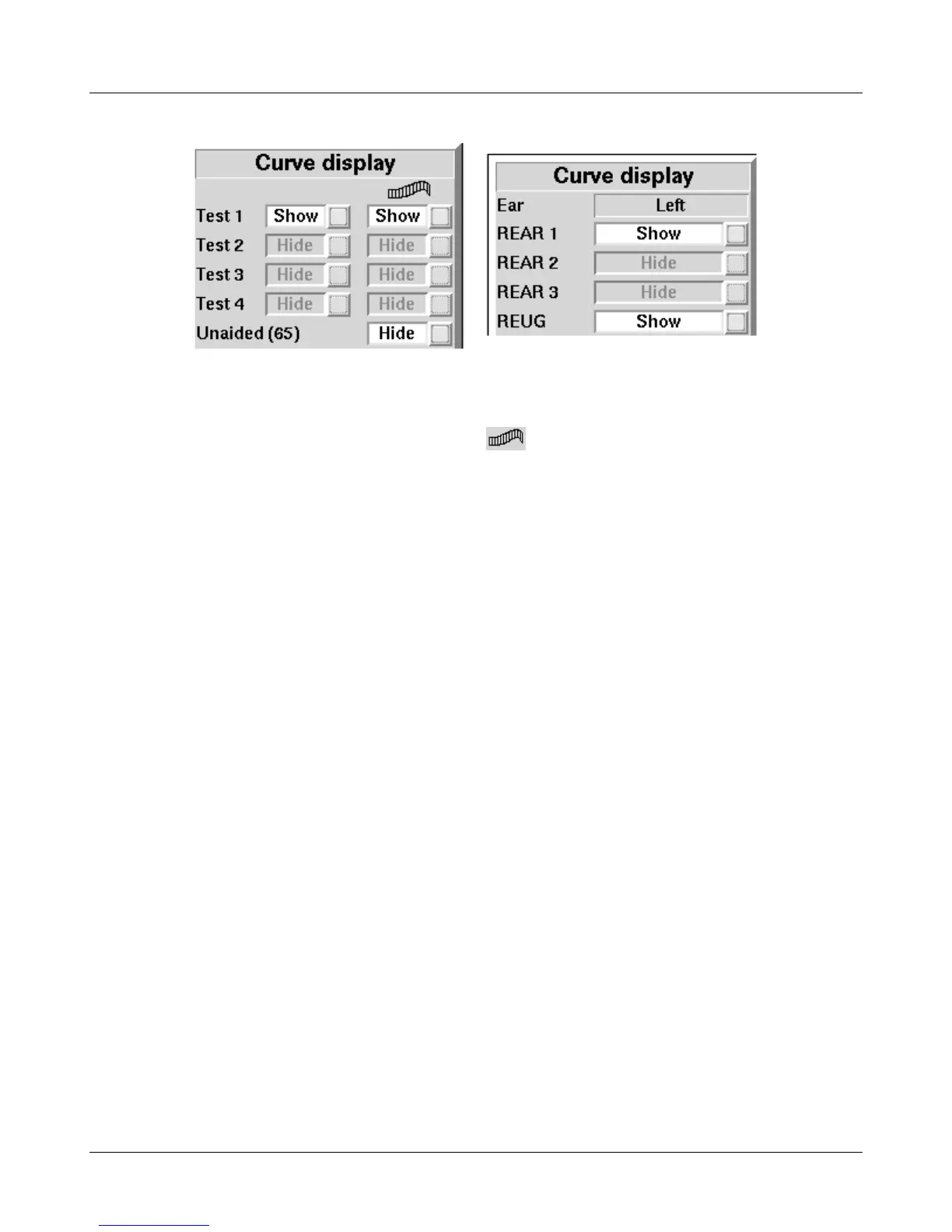
2. Highlight, then <PICK> the desired test to toggle between the Hide or Show options. The curve will toggle
on or off when selected. The envelope of speech curves in Speechmap may be displayed or hidden for clarity
of display by toggling the buttons under the - column. Note that you may set the envelope to
automatically hide whenever a new test is run (see Speechmap – Speechmap Setup).
3. Press <Continue> to return to the test screen.
Hiding a curve does not erase it. To erase curves use the <Session> key.
74



 To Next Page