Verifit
®
User's Guide Version 3.12
November 2015
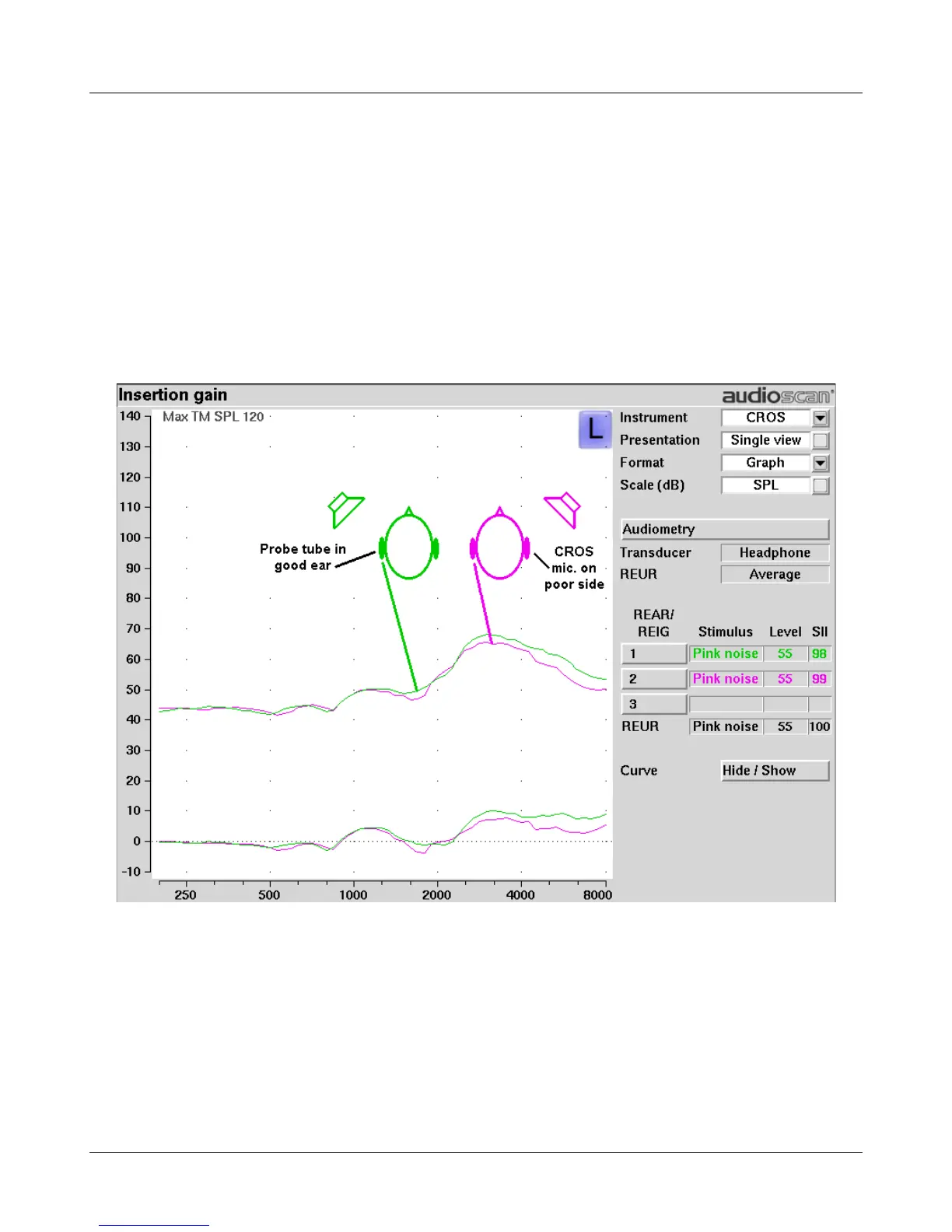
3. Select REAR 1 and record a response using [Pink noise] at 55. It should be like a normal REUR. If not, the
ear may not be fully open.
4. Position the speaker at 45 degrees to the poor ear.
5. Set Instrument to [CROS].
6. Select REAR 2 and obtain a response using [Pink noise] at 55. Adjust the response to match that obtained in
step 3.
7. Position the speaker directly in front of the client. Select REAR 3 and use [Pink noise] at 55 to check for a
smooth response. Repeat with Instrument set to [BTE]. An irregular response may be the result of reflections
from nearby objects (including the operator) or it may indicate phasing problems in the aids.
92



 To Next Page