18
The following options are available:
• FM Frequency
• Brightness + Contrast
• Backlight Timer
• Audio Level
• Antenna Aiming
• Direct Tune
• Search Mode
• Channel Skip/Add
• Memory Recall
• TuneSelect
• Stock Ticker
• Info Extras
• Display Screen Mode
• Set Clock
• Auto-On
• Auto-Off / Sleep Timer
• Set Factory Defaults
• Exit Menu
While in the menu screen function, if a button is not pressed within
12-seconds from the previously selected function, the unit exits the
menu screen function and reverts to the default screen display.
NOTE: Upon setting and confirmation of a Menu selection, pressing
the Menu button will exit the Xpress XM® unit to the active screen
(See Figure 5).
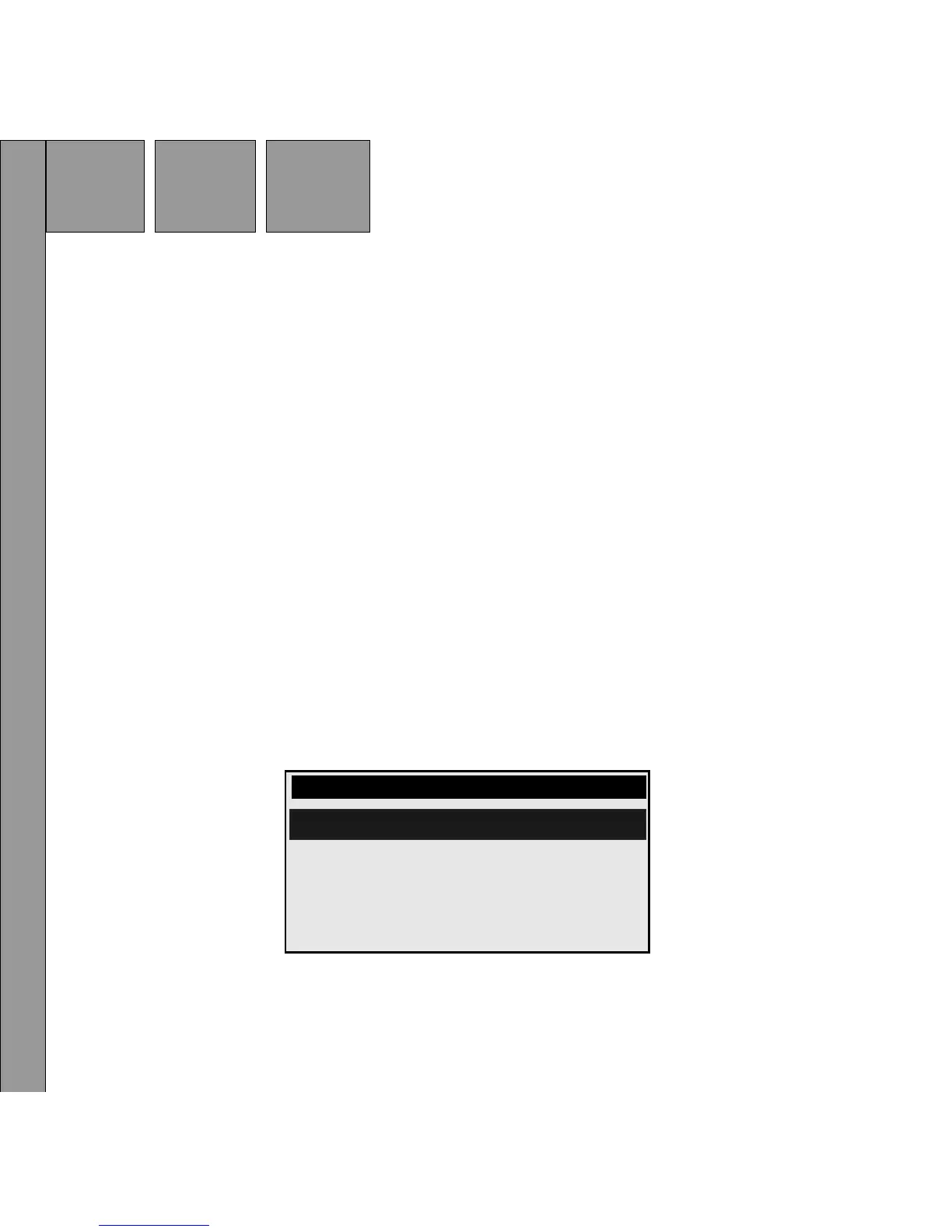
Figure 6. Main Menu Screen
MENU
FM Frequency
Audio Level
Brightness + Contrast
Backlight Timer


 To Next Page
 Loading...